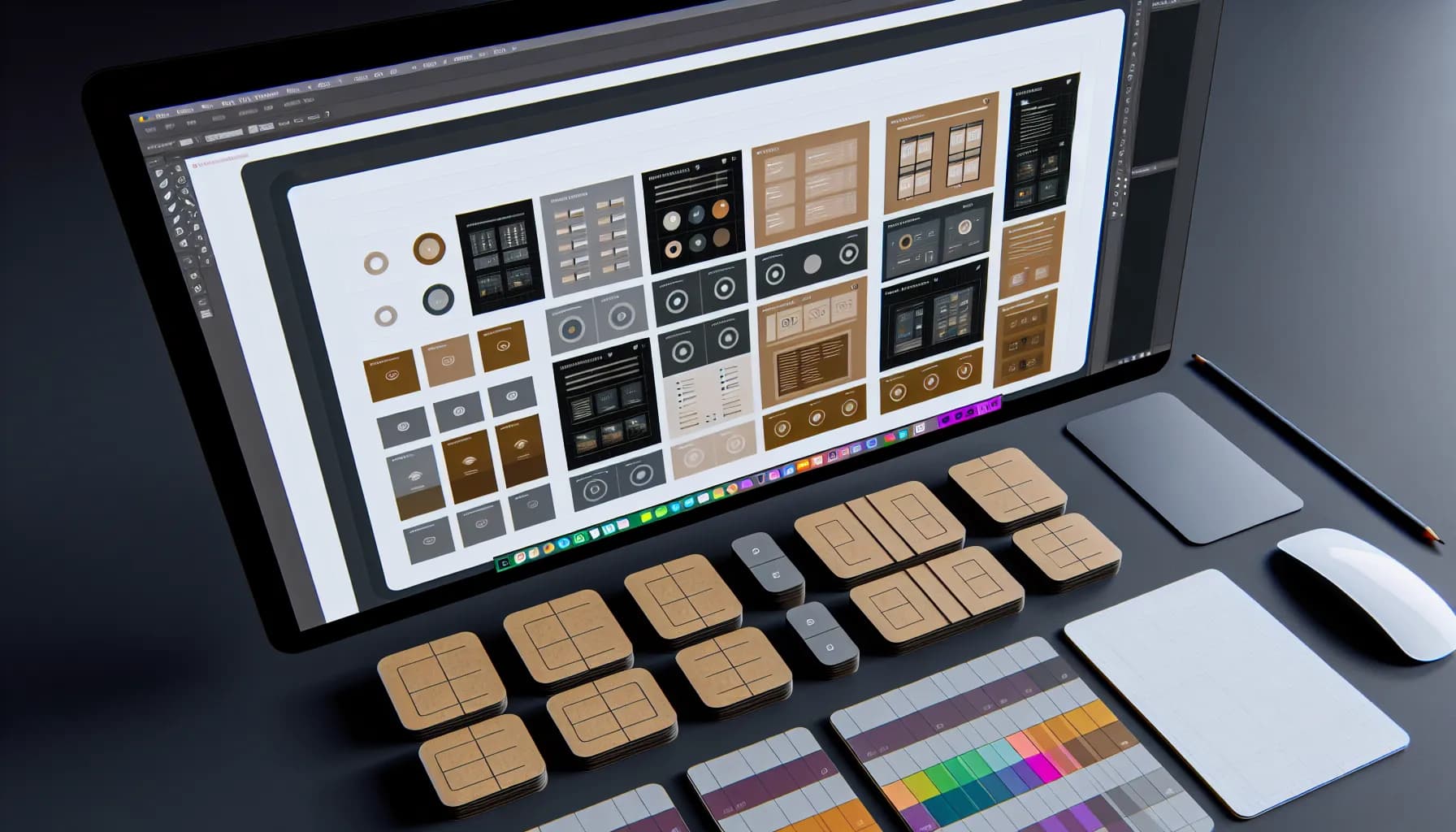
CSS Grid is for two-dimensional layouts (rows AND columns), Flexbox is for one-dimensional arrangements (a single row or column). That's the short answer. But in practice, the decision is more nuanced — and 2026 has changed the game. Container Queries, Subgrid, and new alignment features make both systems more powerful than ever before.
According to the State of CSS Survey 2025, 98% of developers use Flexbox and 87% use CSS Grid regularly. But only 34% feel confident deciding when to use which system. This article gives you a clear decision framework.
When is CSS Grid better than Flexbox?#
CSS Grid is the right choice when you need to control both dimensions simultaneously. Typical use cases:
- Dashboard layouts: Tiles of varying sizes arranged in rows and columns (Bento Grid pattern)
- Page layouts: Header, sidebar, content, footer — classic Grid territory
- Image galleries with variable sizes: Masonry-like layouts
- Forms: Label-input pairs in a clean grid
.dashboard {
  display: grid;
  grid-template-columns: repeat(auto-fill, minmax(280px, 1fr));
  gap: 1rem;
}

.featured {
  grid-column: span 2;
  grid-row: span 2;
}
The decisive advantage: Grid controls element placement independently of their HTML order. An element can sit at position (2, 3) in the grid regardless of where it appears in the source code. Flexbox cannot do this.
When is Flexbox the better choice?#
Flexbox excels at one-dimensional arrangements and dynamic content where you don't know the count:
- Navigation bars: Horizontal, variable number of links
- Button groups: Side by side, wrapping when space runs out
- Card rows: A single row of equal-height cards
- Centering: Vertical and horizontal centering is a one-liner with Flexbox
.nav {
  display: flex;
  gap: 1rem;
  align-items: center;
}

.center-everything {
  display: flex;
  justify-content: center;
  align-items: center;
  min-height: 100vh;
}
Flexbox strength: It adapts automatically to unknown content amounts. Three buttons or seven — Flexbox distributes space intelligently. With Grid, you'd need to predefine the column count.
Can I combine CSS Grid and Flexbox?#
Yes — and you should. The best architecture uses Grid for the page layout and Flexbox inside the grid cells. It's not either-or, it's a partnership.
/* Grid for the overall layout */
.page {
  display: grid;
  grid-template-columns: 250px 1fr;
  grid-template-rows: auto 1fr auto;
  min-height: 100vh;
}

/* Flexbox inside the header cell */
.header {
  grid-column: 1 / -1;
  display: flex;
  justify-content: space-between;
  align-items: center;
  padding: 1rem 2rem;
}
Rule of thumb for 2026:
- Outer structure → Grid
- Inner arrangement → Flexbox
- Unknown quantity → Flexbox
- Known layout → Grid
What changed in 2026?#
Three CSS features have shifted the landscape since 2024:
Subgrid (Baseline since 2024)#
Subgrid lets nested elements inherit the parent's grid tracks. Previously, nested grids needed their own track definitions — now they inherit.
.card-grid {
  display: grid;
  grid-template-columns: repeat(3, 1fr);
}

.card {
  display: grid;
  grid-template-rows: subgrid;
  grid-row: span 3;
}
Container Queries (Baseline since 2025)#
Container Queries make components responsive to their container rather than the viewport. For grid cells, this is a game-changer: a tile can adapt based on how large its grid cell is.
.grid-cell {
  container-type: inline-size;
}

@container (min-width: 400px) {
  .card { flex-direction: row; }
}
CSS Anchor Positioning (new in 2026)#
Still experimental but relevant: elements can position themselves relative to other elements without JavaScript. Tooltips, dropdowns, popovers — all declarative.
How do I build a responsive dashboard with CSS Grid?#
A practical example: a KPI dashboard with Bento Grid pattern that collapses to a single column on mobile.
.dashboard {
  display: grid;
  grid-template-columns: repeat(4, 1fr);
  grid-auto-rows: minmax(120px, auto);
  gap: 1rem;
  padding: 1rem;
}

.kpi-large  { grid-column: span 2; grid-row: span 2; }
.kpi-wide   { grid-column: span 2; }
.kpi-tall   { grid-row: span 2; }

@media (max-width: 768px) {
  .dashboard {
    grid-template-columns: repeat(2, 1fr);
  }
  .kpi-large { grid-column: span 2; grid-row: span 1; }
}

@media (max-width: 480px) {
  .dashboard {
    grid-template-columns: 1fr;
  }
  .kpi-large, .kpi-wide { grid-column: span 1; }
}
This pattern scales from desktop (4 columns, Bento) through tablet (2 columns) to mobile (1 column) — no JavaScript, no framework needed.
Conclusion: The decision matrix#
| Criterion | CSS Grid | Flexbox |
|---|---|---|
| Dimensions | 2D (rows + columns) | 1D (row or column) |
| Placement | Explicit (position definable) | Implicit (order-based) |
| Unknown quantity | Possible but awkward | Ideal |
| Page layout | Ideal | Not recommended |
| Centering | Works | Easiest |
| Browser support | 97%+ | 99%+ |
The answer for 2026: Use both. Grid for structure, Flexbox for content. The either-or era is over.
Further reading: Bento Grid Layouts — The Complete Guide | Responsive Design Beyond Breakpoints
