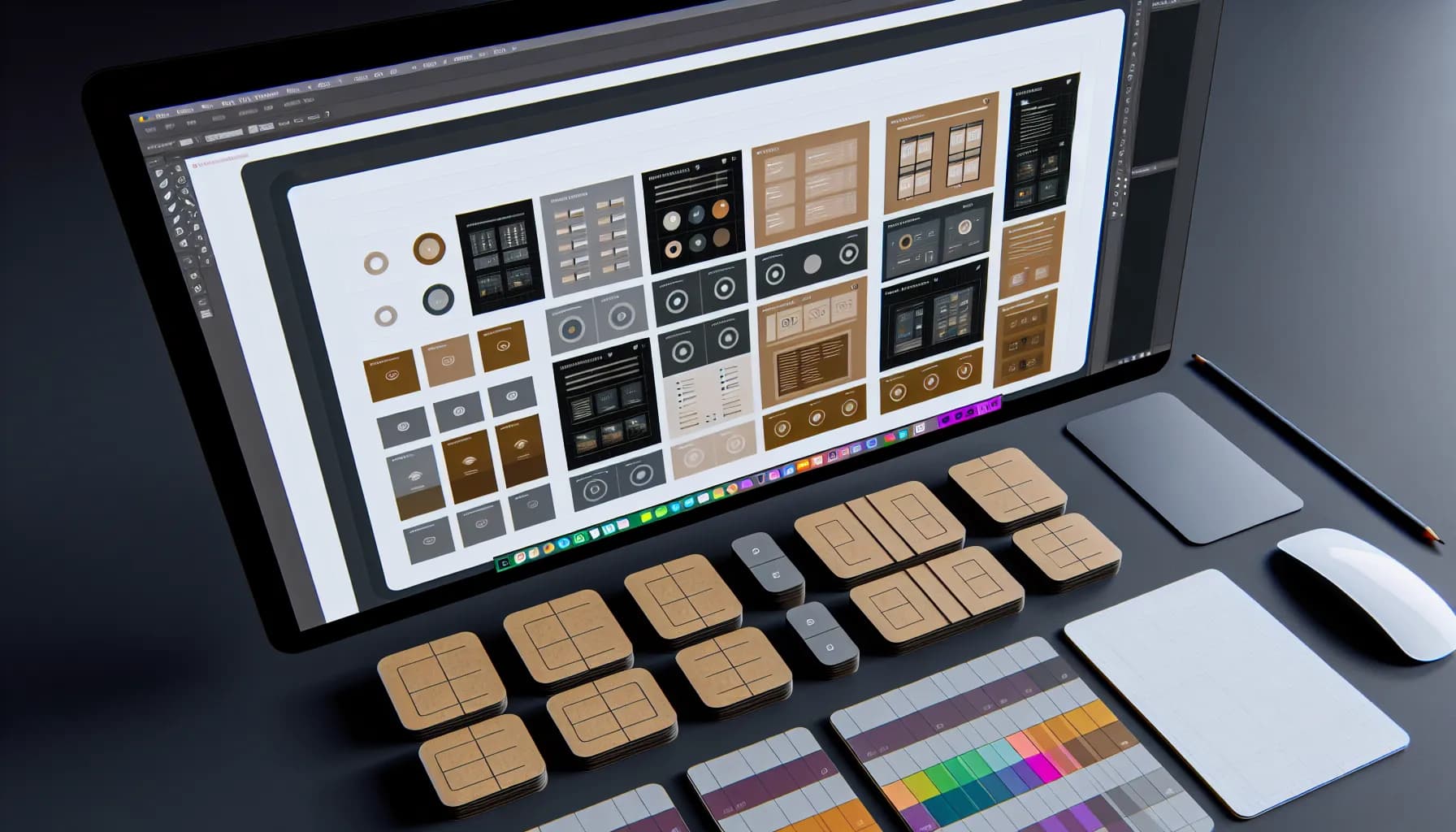
A Bento Grid layout is a modular CSS Grid system with differently sized cells that creates visual hierarchy without additional UI elements. Popularized by Apple, it is now used by Google, Microsoft, Spotify, and thousands of startups. Studies show 35% longer dwell times compared to uniform grids. It relies on CSS Grid (not Flexbox) and offers true two-dimensional control over rows and columns.
When Apple launches a new product page, designers around the world pay close attention. Not because of the products themselves, but because of the layout. Since Apple popularized the Bento Grid layout for its keynote presentations and product pages, this modular design system has become arguably the most influential layout trend of recent years. Google, Microsoft, Spotify, and countless startups have adopted it.
But Bento Grid is more than a visual trend. It is a systematic approach to organizing information hierarchically -- flexible, responsive, and visually compelling. In this article, we explain how Bento Grids work, when they are the right choice, and how you can implement them in your own projects.
What Is a Bento Grid Layout?#
The name comes from the Japanese bento box: a meal divided into compartments of different sizes that together form a harmonious whole. Translated to web design, it means a grid layout where individual cells have different sizes and can span multiple columns or rows.
The difference from traditional grids:
- Traditional grid: All cells are the same size. Uniform but monotonous. Fine for image galleries, boring for everything else.
- Bento Grid: Cells have different proportions. Important content gets more space, secondary elements take a back seat. The result is visual hierarchy without additional UI elements.
Apple uses this principle masterfully: on the iPhone product page, the camera feature occupies a tile twice the size of the chip comparison. Without reading a single word, the visitor understands the priorities.
Why Bento Grids Work: The Psychology Behind Them#
The human eye follows visual hierarchies instinctively. Larger elements attract more attention -- this has been the foundational principle of newspaper layouts for centuries. Bento Grids bring this principle into the digital age.
Three psychological factors:
- Scanning behavior: Users scan web pages in F or Z patterns. Bento Grids support this natural behavior by placing key content where the eye falls first.
- Cognitive grouping: Through spatial proximity and similar tile sizes, the brain automatically groups related content together -- without explicit headings or dividers.
- Variety sustains attention: Monotone layouts create "banner blindness." The visual variety of a Bento Grid maintains attention across the entire page. Studies show 35% longer session times compared to uniform grids.
Implementation with CSS Grid#
The technical foundation for Bento Grids is CSS Grid -- not Flexbox, not floats, not Bootstrap columns. CSS Grid is the only layout system that offers true two-dimensional control over both rows and columns.
The core principle:
A container defines a grid with fixed columns and auto rows. Individual elements then span multiple columns or rows to create the desired hierarchy.
Responsive breakpoints:
A good Bento Grid defines at least three states:
- Desktop (1024px and above): 4-6 columns, full layout complexity
- Tablet (768-1023px): 2-3 columns, reduced spans
- Mobile (below 768px): 1-2 columns, linear stacking of elements
The key is using grid-template-columns with repeat() and minmax() functions that automatically adapt the grid to the available width. Tailwind CSS simplifies this with utility classes like col-span-2, row-span-2, and responsive prefixes.
Typical Configuration#
A proven setup for product pages:
- Hero tile: Spans 2 columns and 2 rows -- for the main feature
- Feature tiles: 1 column, 1 row each -- for individual features
- Highlight tile: 2 columns, 1 row -- for special emphasis
- Detail tiles: 1 column, 1 row -- for technical details or specifications
When Bento Grid -- and When Not?#
Bento Grids are powerful, but they are not the right choice for every use case.
Bento Grid is ideal for:
- Product pages and feature overviews: Where different aspects need different visual weight
- Dashboards and admin panels: KPIs, charts, and widgets with varying importance
- Portfolio pages: Projects in different sizes, distributing attention by relevance
- Landing pages: Visually structuring hero sections, features, and social proof
- Pricing pages: Plans with different levels of emphasis
Bento Grid is less suitable for:
- Text-heavy content: Blog articles, documentation, or long forms need linear layouts
- E-commerce product lists: With hundreds of equivalent products, a uniform grid is easier to sort and filter
- Data tables: Tabular data belongs in tables, not tiles
- Content with fixed sequence: When reading order matters, a non-linear layout disrupts the flow
The Rule of Thumb#
If your content has a natural hierarchy (some things are more important than others), Bento Grid is the right choice. If all elements are equally weighted, go with a traditional grid.
Dashboard Design Patterns with Bento Grid#
One area where Bento Grids truly shine is dashboards. The varying widget sizes map perfectly to the different importance levels of KPIs, charts, and action elements.
Proven patterns:
- KPI row at top: 4 small tiles in a row for key metrics (revenue, users, conversion, tickets)
- Large chart: A wide tile (3-4 columns) for the primary time-series graph
- Secondary widgets: Medium tiles (2 columns) for donut charts, lists, or activity feeds
- Quick actions: Small tiles for frequently used actions or status indicators
Google Analytics, Vercel, and Linear use exactly these patterns. The art lies in keeping information density high without making the layout feel cluttered.
Tips for good dashboard grids:
- Consistent spacing: Uniform gaps (16-24px) between all tiles
- Limited color palette: Maximum 2-3 accent colors for charts and indicators
- Hover states: Tiles should respond to hover to signal interactivity
- Load times: Individual skeleton screens for each tile so the layout appears immediately
Planning Content Hierarchy Correctly#
The most common mistake with Bento Grids: starting with the layout instead of the content. The layout should always follow the content hierarchy, never the other way around.
Step-by-step planning:
- Collect content: List all elements that belong on the page
- Prioritize: Assign a priority to each element (primary, secondary, tertiary)
- Group: Identify related elements that visually belong together
- Assign sizes: Primary elements get more grid area, tertiary elements get less
- Mobile first: Develop the layout from mobile to desktop, not the reverse
Common mistakes to avoid:
- Too many large tiles: When everything is big, nothing is important. Maximum 1-2 hero tiles per viewport height.
- Inconsistent spacing: Uneven gaps destroy visual harmony.
- Missing breathing room: Dense grids without whitespace feel suffocating. Minimum 16px gap.
- Forgotten accessibility: Bento Grids must have a logical tab order that does not contradict the visual order.
Conclusion: More System, Less Chance#
Bento Grid layouts are not a passing fad. They are the logical evolution of web design: modular, hierarchical, responsive. Apple and Google use them not for aesthetic reasons alone, but because they demonstrably communicate better.
Getting started is simpler than you might think: Begin with a 4-column grid, define 2-3 tile sizes, and arrange your content by priority. From there, iterate -- more columns, more complex spans, animated transitions.
The Bento Grid is not just a layout. It is a mental model for visual communication.
