Premium Web Design · Custom Code · AI-Ready · MCP-Ready
Not just a website. An intelligent system.
Built individually. Fast, machine-readable and ready to work with your own AI. No site builders. No WordPress. No closed system.
100%
Custom
100/100
Lighthouse SEO audit
3
Languages
AI + MCP
Ready
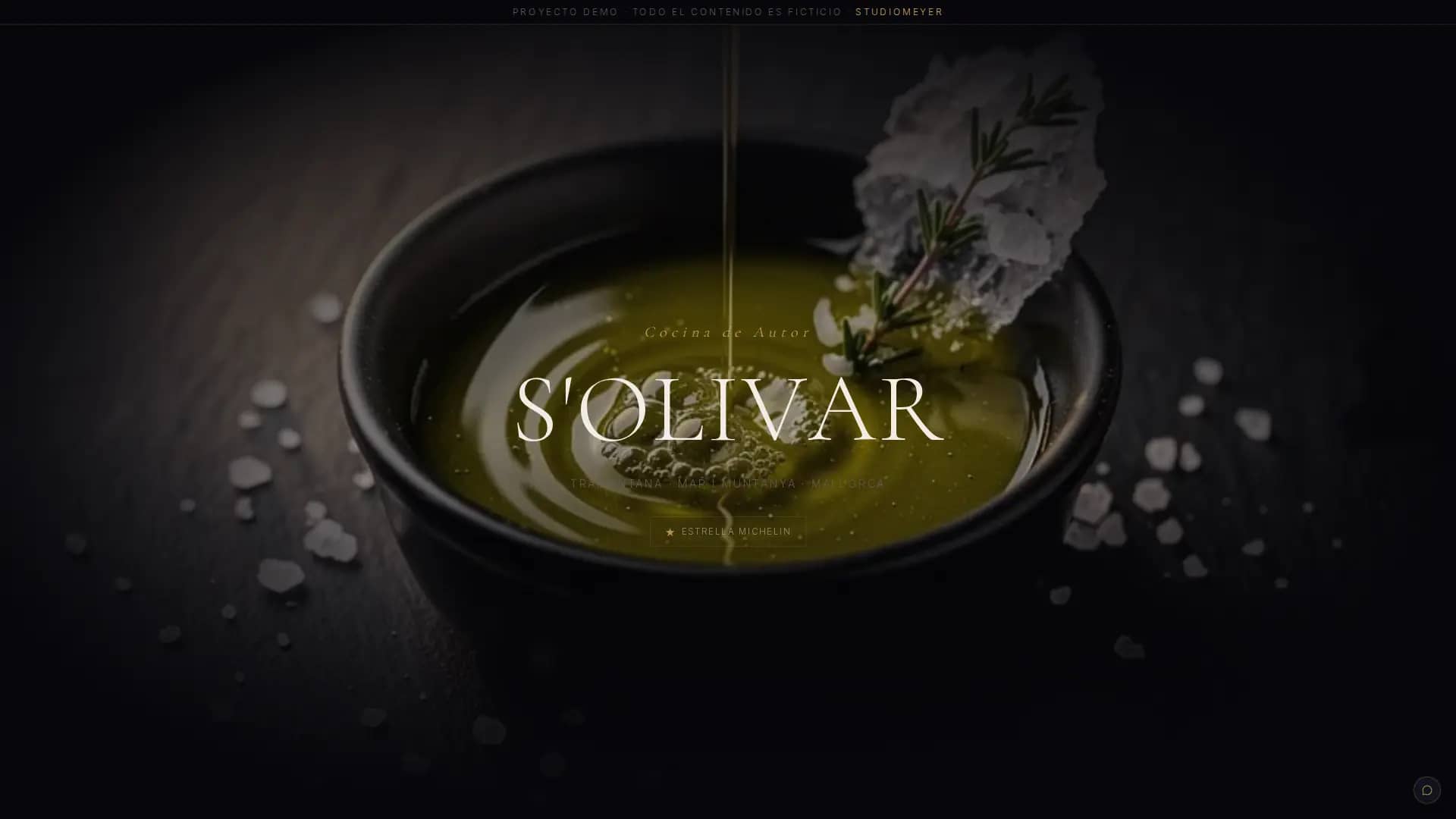
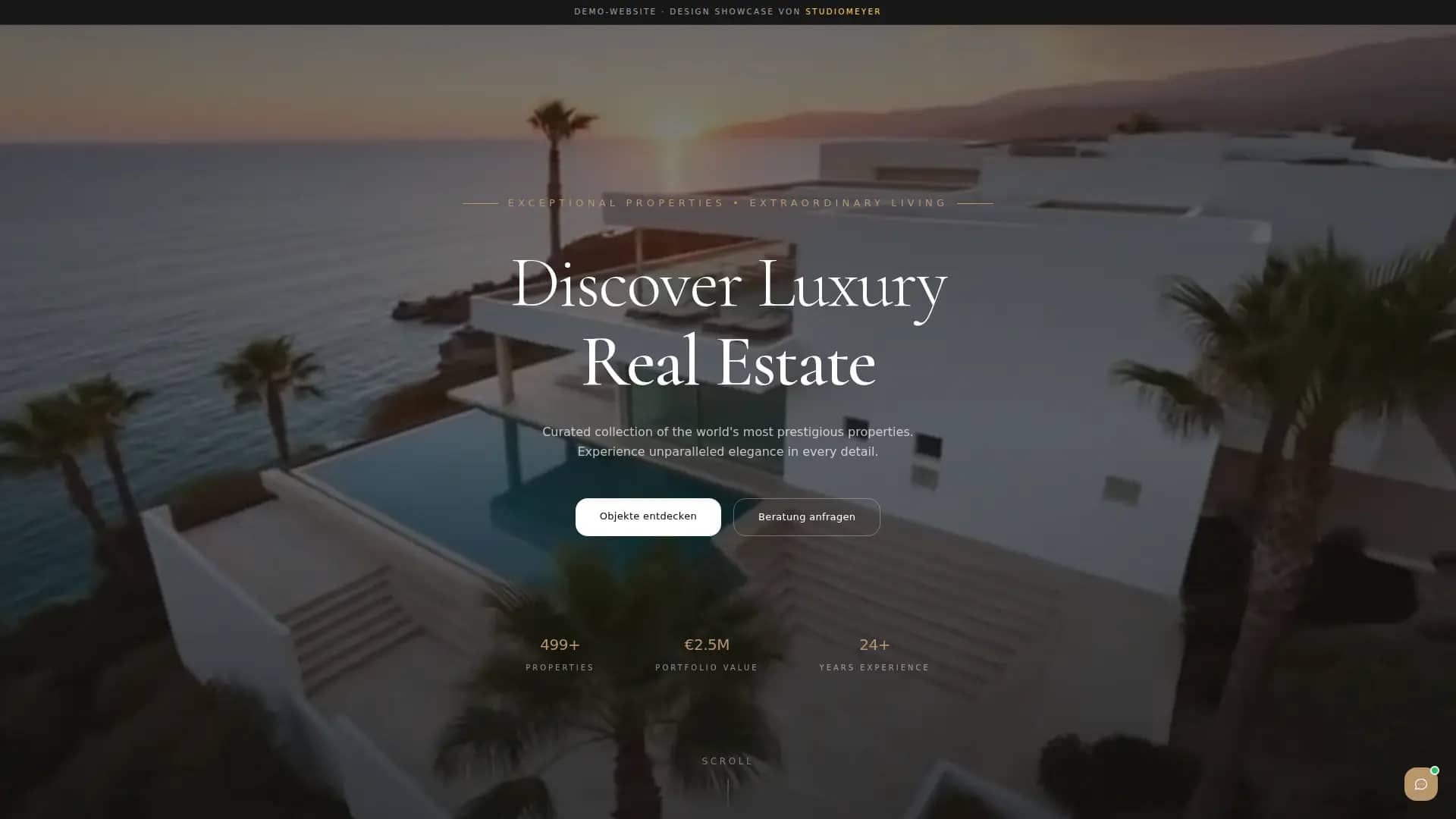
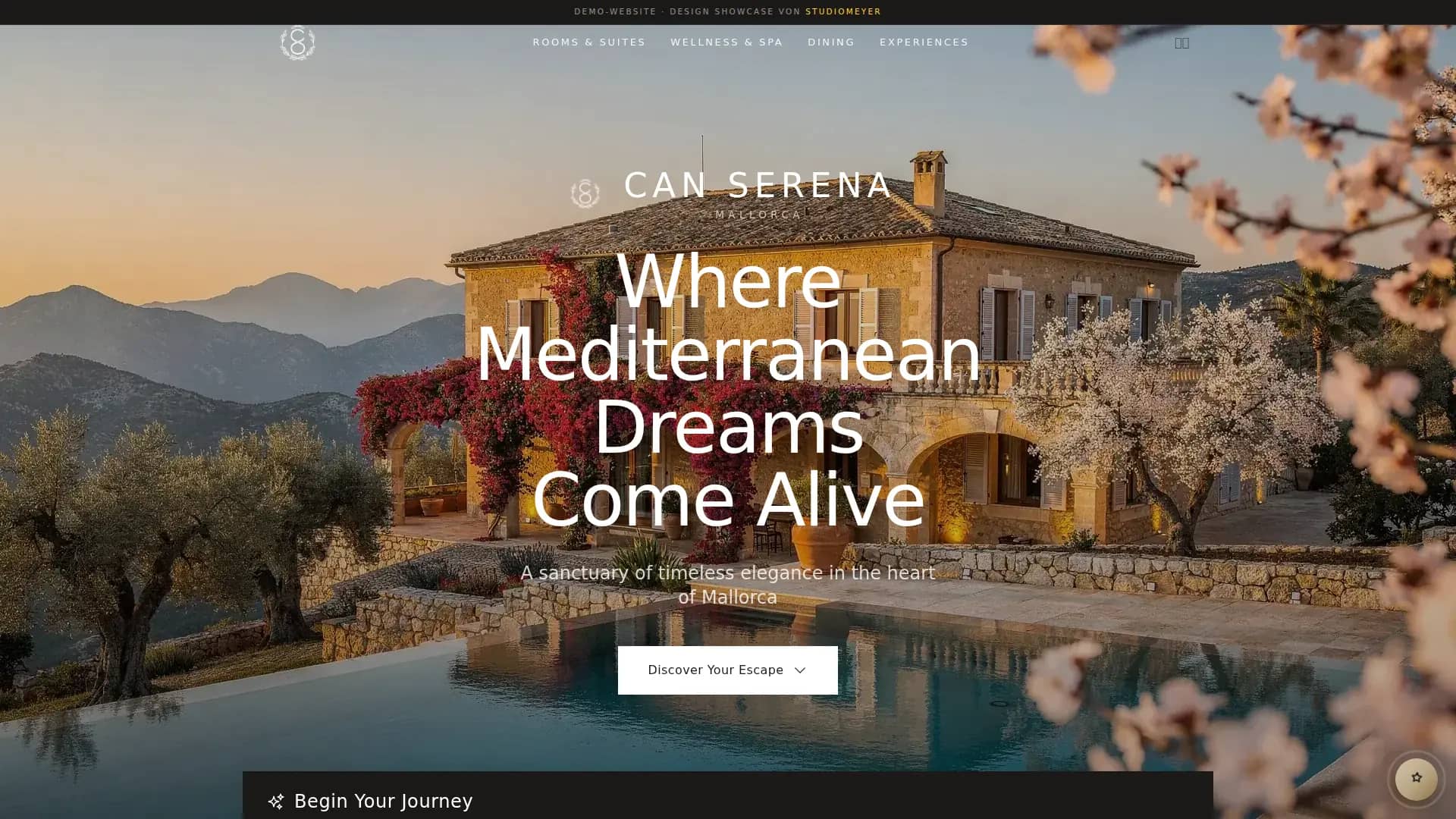
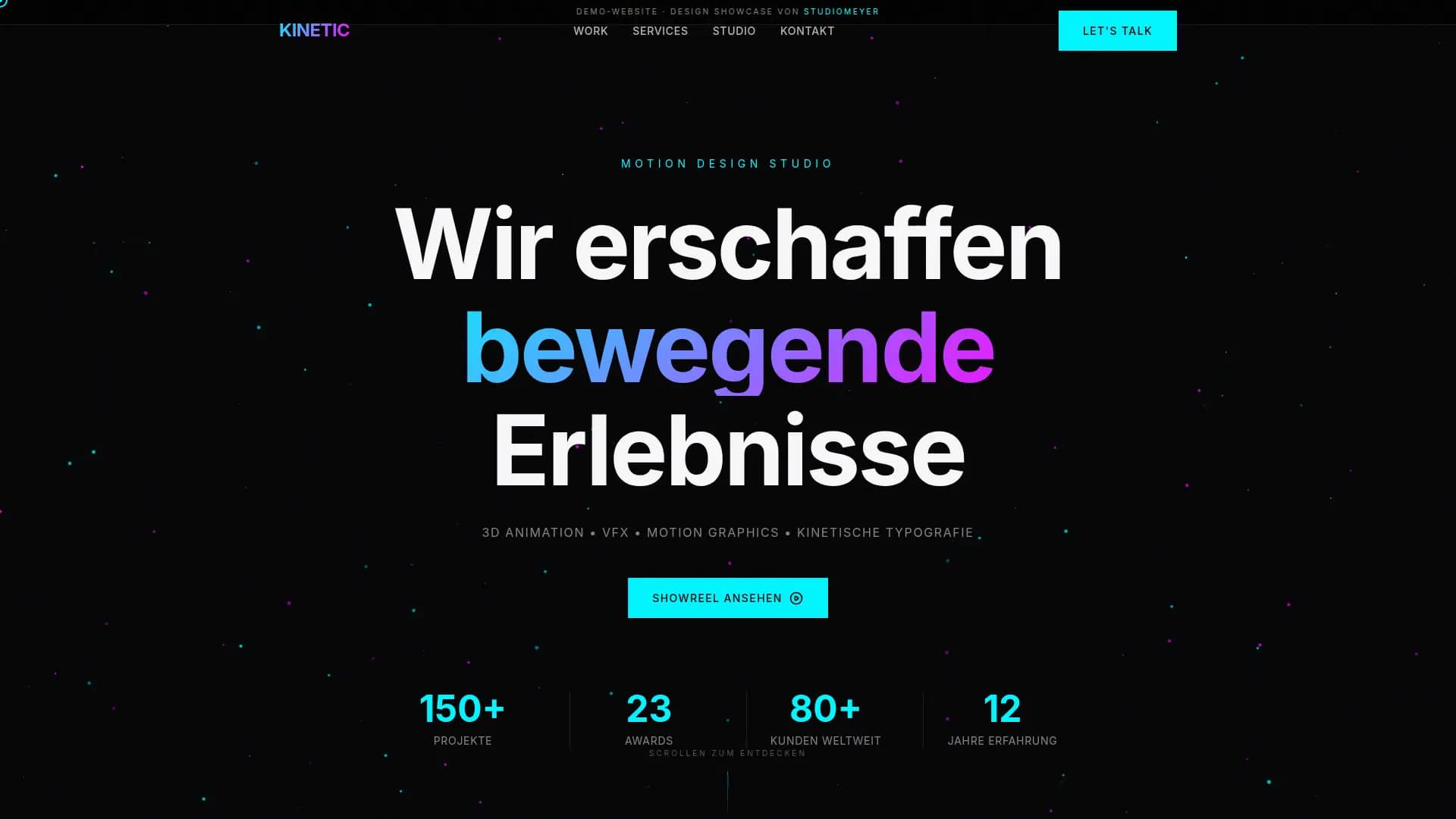
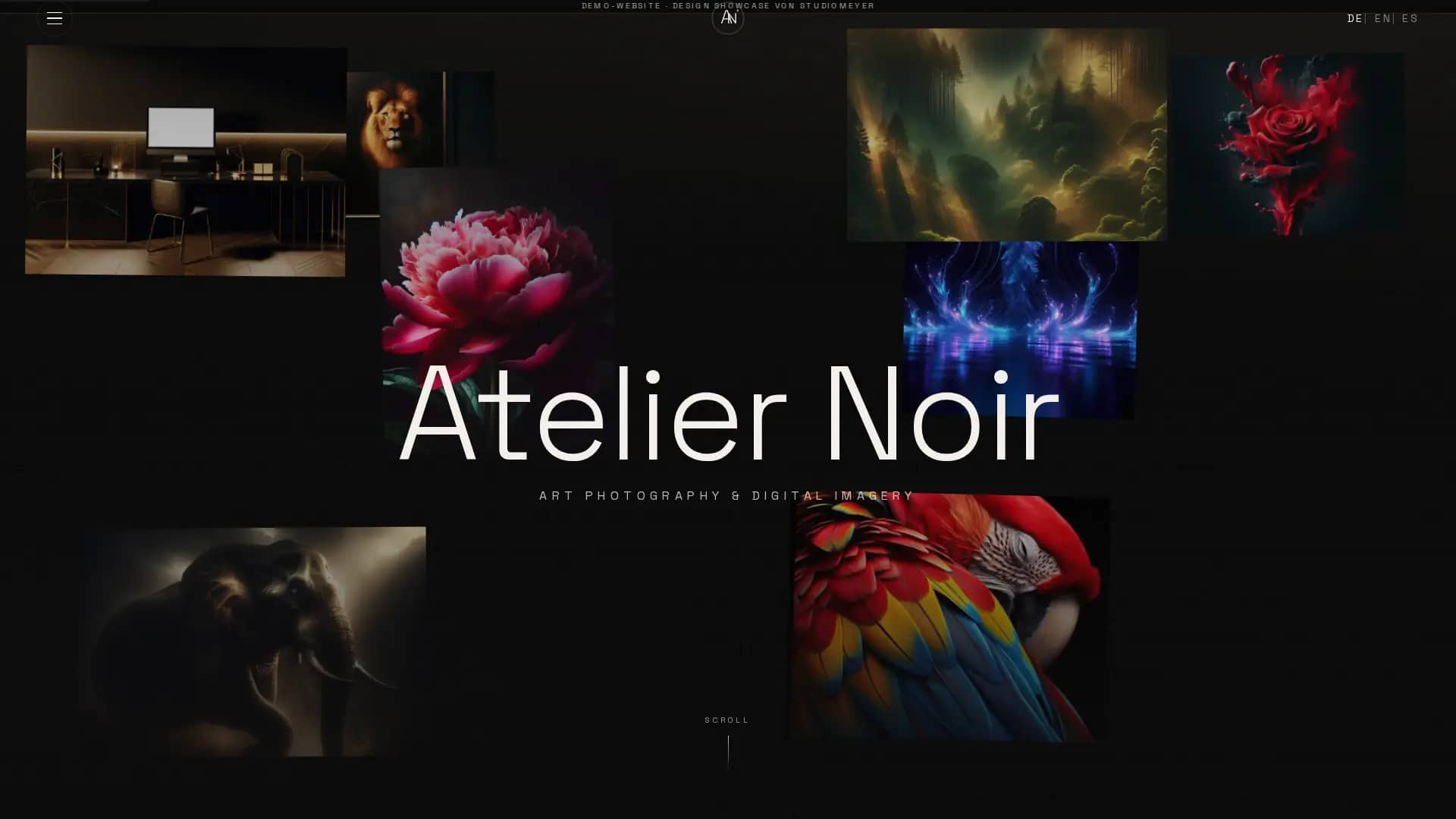
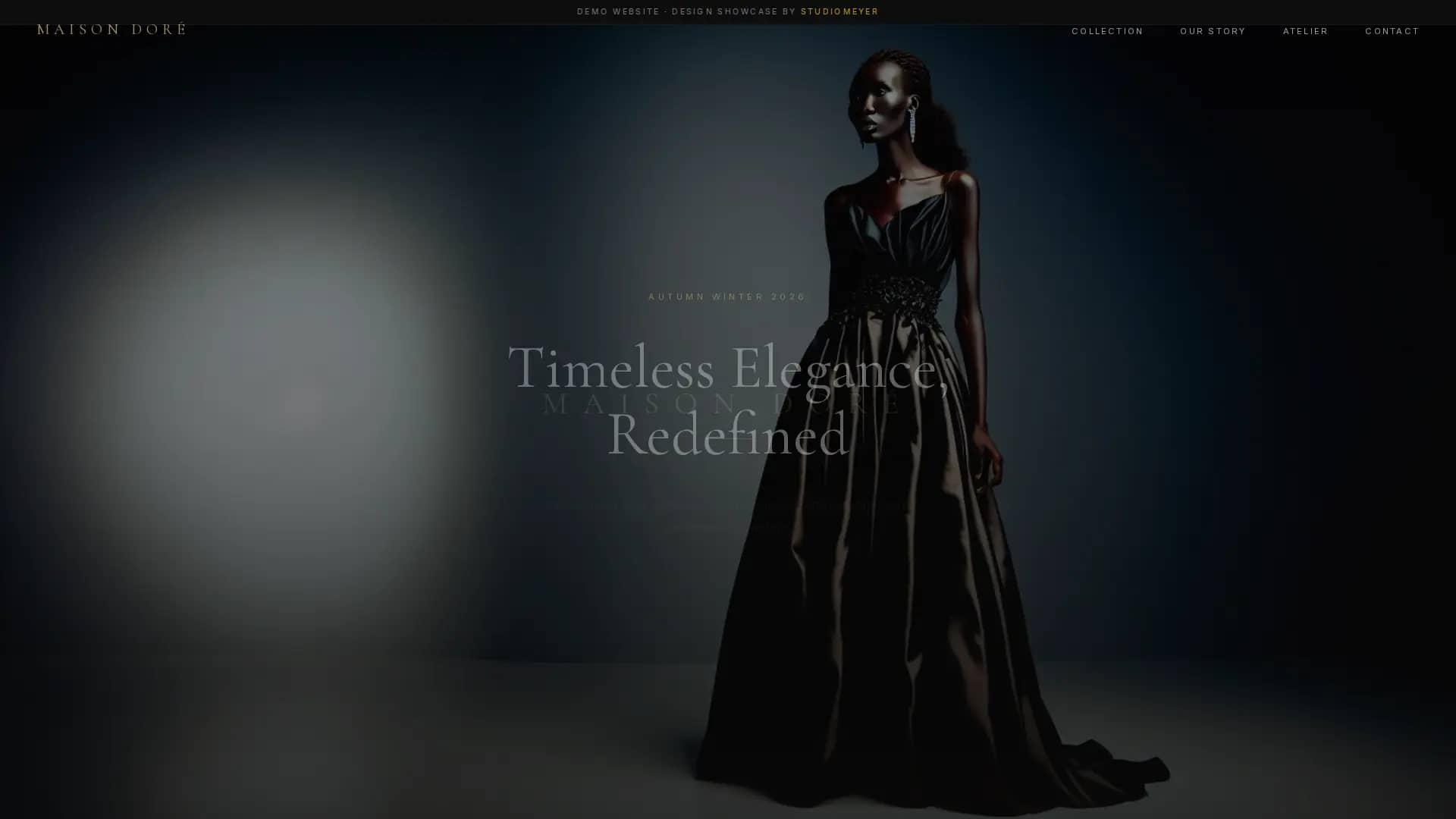
What we build
Websites for very different needs.
Company site, property portal, restaurant, hotel or digital product: every website is developed individually for the business.
But the difference isn't only in the design.
From the start we build a technical foundation that people, search engines and AI systems can use, and that keeps growing later.
Corporate & Business
Professional company sites that build trust and explain your services clearly. Fast, multilingual and structured so Google and AI systems can read your services and details clearly.
Selling products
Sell products or services straight from your own website, with a secure checkout and without a heavy shop system if you don't need one.
Industry-specific
Real estate, restaurants, hotels, medical practices and other businesses have their own data and workflows. So we don't just adapt the design to the industry. We build the website around the actual business.
How it works
From idea to your own website system.
Our process doesn't end when a website looks good and goes online.
At the same time we build the technical foundation for it to be found, understood and safely developed further later on.
Briefing & Concept
We talk about your business, your services, your audiences and your goals. From that come the structure, the features and the basis for the information and rules your website will need to know later.
Design & Prototype
We develop an individual design and the user journey of your website. You can review the result before development is finished.
Development & Context
The website is developed individually. Alongside it we build the technical structure for Google and AI systems and store the project's context: layout, components, design rules and key requirements.
Launch & Connection
The website goes live with hosting, SSL, backups and monitoring. At the same time it is ready to work with your own AI in a controlled way and to be extended later.
Pricing
Clear prices. No surprises.
Foundation
Fixed price · or twelve monthly instalments
When you want a professional website that isn't technically outdated on launch day.
- Individual design, no site builder and no bought theme, no WordPress
- German, English and Spanish
- Technical SEO foundation and a first SEO analysis
- AI-Ready: structured for Google and AI systems
- Your own website and project context
- Prepared to be managed with your own AI
- A safe process for later changes
- A chatbot that answers your visitors around the clock
- A monthly report on how people find your site
- Contact form and a hosting region of your choice
- One person you always talk to
Growth · Recommended
Fixed price · or twelve monthly instalments
When your website should also build content and visibility over time.
- Everything from Foundation
- Blog and a structure for your own content
- Broader SEO structure for several topics
- Extra landing pages and topic areas
- On top of the form: appointments and WhatsApp
- The chatbot knows your prices, processes and opening hours
- An extendable context for new content and services
Individual
Binding fixed price after the briefing
When the website becomes part of how you run your business.
- Everything from Growth
- Properties, rooms, products or other structured data
- Maps, bookings and reservations
- Online shop with Stripe checkout
- Connections to CRM, calendar and your own systems
- Your own MCP tools, AI agents and automations
- Custom business logic your industry needs
Every package includes the first twelve months of StudioMeyer Care: hosting, security, backups and technical updates. After that Care costs 149 € a month and is cancellable monthly.
Foundation and Growth have fixed package prices. Individual projects start at 6,500 €: after the first call we agree the scope together, and you get a binding fixed price. No open-ended hourly billing, no surprises. Every project can be paid in twelve monthly instalments at no extra cost if you prefer. Once paid in full, the website is yours, including code, design and content. All figures are final prices. No VAT is added. There is no fixed upper limit on the number of pages, the agreed scope is written into the quote.
Available separately: connections to CRM, calendar and company data, a memory for your AI, and reports on visibility and competitors.
Hosting your way
You decide where your data lives.
EU as the default. Other regions on request. We deploy where it fits your business, your customers and your requirements.
Pick a region, we'll show you where we host:
Hetzner Germany
Default. GDPR-native, servers in Germany. Same place our own SaaS products run.
Our own SaaS products (Memory, CRM, GEO, Crew) stay on EU servers for architecture reasons. Region choice applies to your custom hosting: website, n8n workflows, custom MCP servers, managed AI server. Multi-region failover available, we run the pattern ourselves for our Memory product.
What a website from us includes
You get all of this without asking.
A modern website should do more today than look good and work on a smartphone.
That's why we build the important foundations in from the start, instead of retrofitting them one by one later.
Custom-built
No site builder and no ready-made template. Your website is made individually for your business. That keeps us independent of themes and plugin systems and lets us control the technical foundation ourselves.
AI-Ready
Your website is structured so that not only classic search engines but also modern AI systems can grasp content, services and connections as clearly as possible.
MCP-Ready
Your website is prepared to provide controlled access for your own AI. That lets an assistant do more than read the public site: it can work with functions set up for that purpose.
Your own website context
Design, structure, components and key project rules are part of the website system. An AI that works on the website later doesn't have to figure out from scratch every time how everything is built.
Controlled changes
AI doesn't simply get unrestricted access to a live website. Changes can be prepared and reviewed first, before they are published.
Fast, even on a weak connection
We leave out unnecessary layers, themes and plugin bundles. That keeps the website lean and the loading times short.
Three languages
German, English and Spanish each get their own URLs and a technically clean structure for search engines and AI systems.
Company data structured for Google
Opening hours, address, services and other key information are marked up in a structured way, instead of only sitting somewhere in the page text.
A chatbot that knows you
Answers questions about your services, prices and opening hours, around the clock, even while you are at work. Included in every package.
A report every month
One email: how many people came, where they came from, what changed. No login, no wall of numbers. Included in every package.
Hosting and operation
SSL, backups, technical updates and monitoring run through StudioMeyer Care. If something technical isn't right, we take care of it.
Accessibility
Semantic structure, contrast, keyboard operation and screen-reader support are part of the build from the start.
The SEO foundation is part of every website. If you want ongoing work on visibility and inquiries after that, you will find it under Growth: SEO service, local SEO and Google Ads.
See GrowthPortfolio
This is what your website could look like.
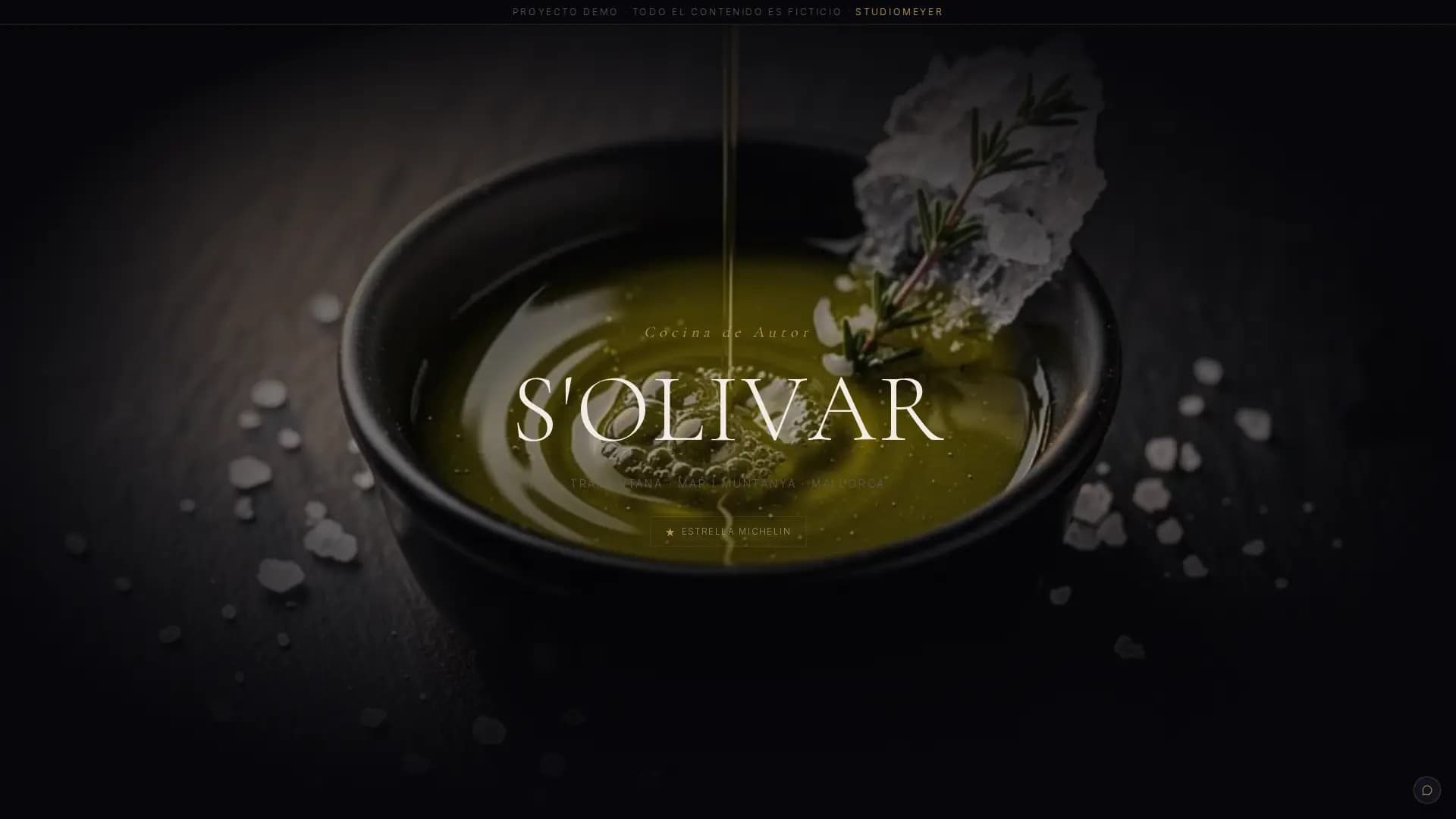
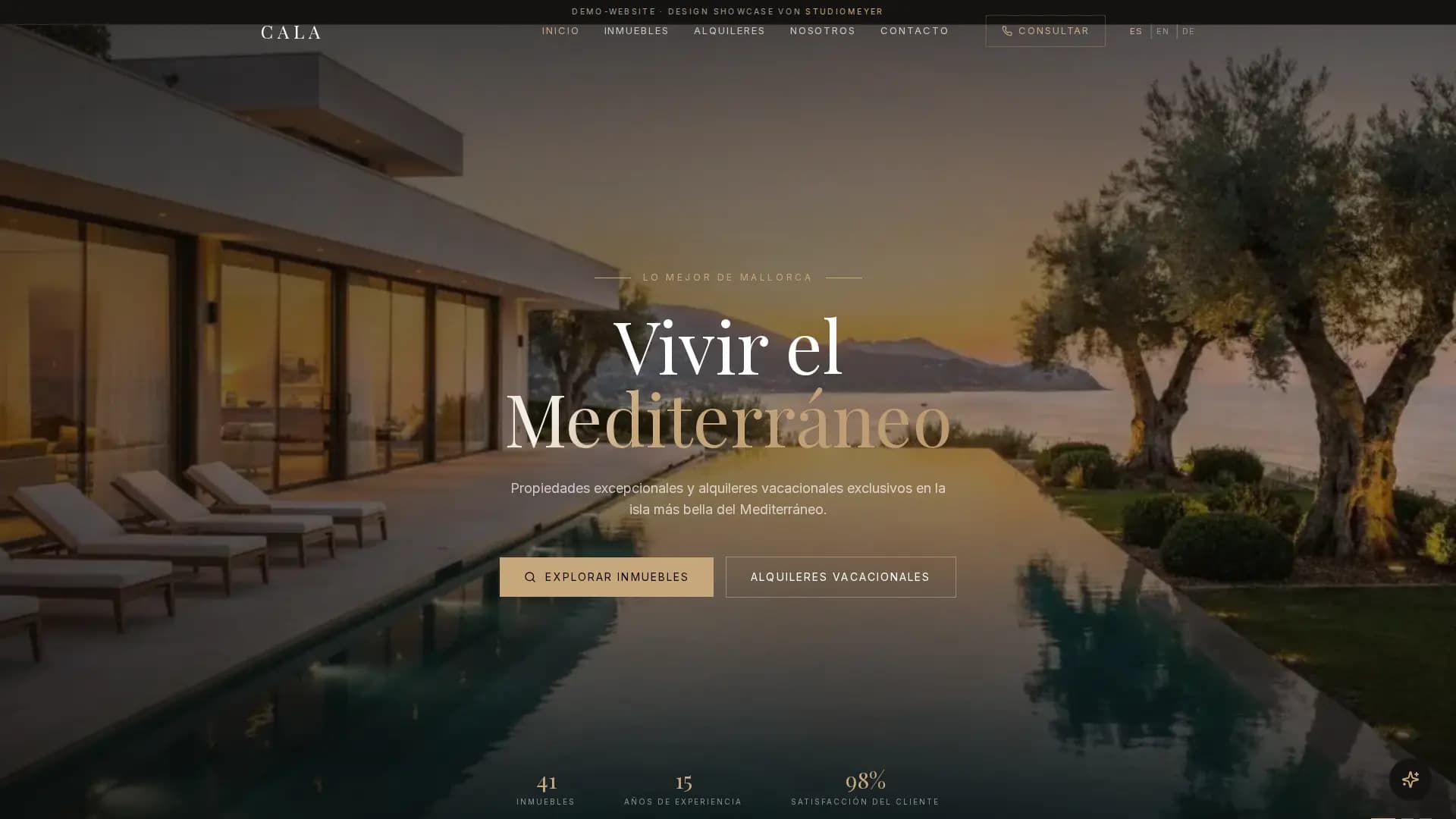
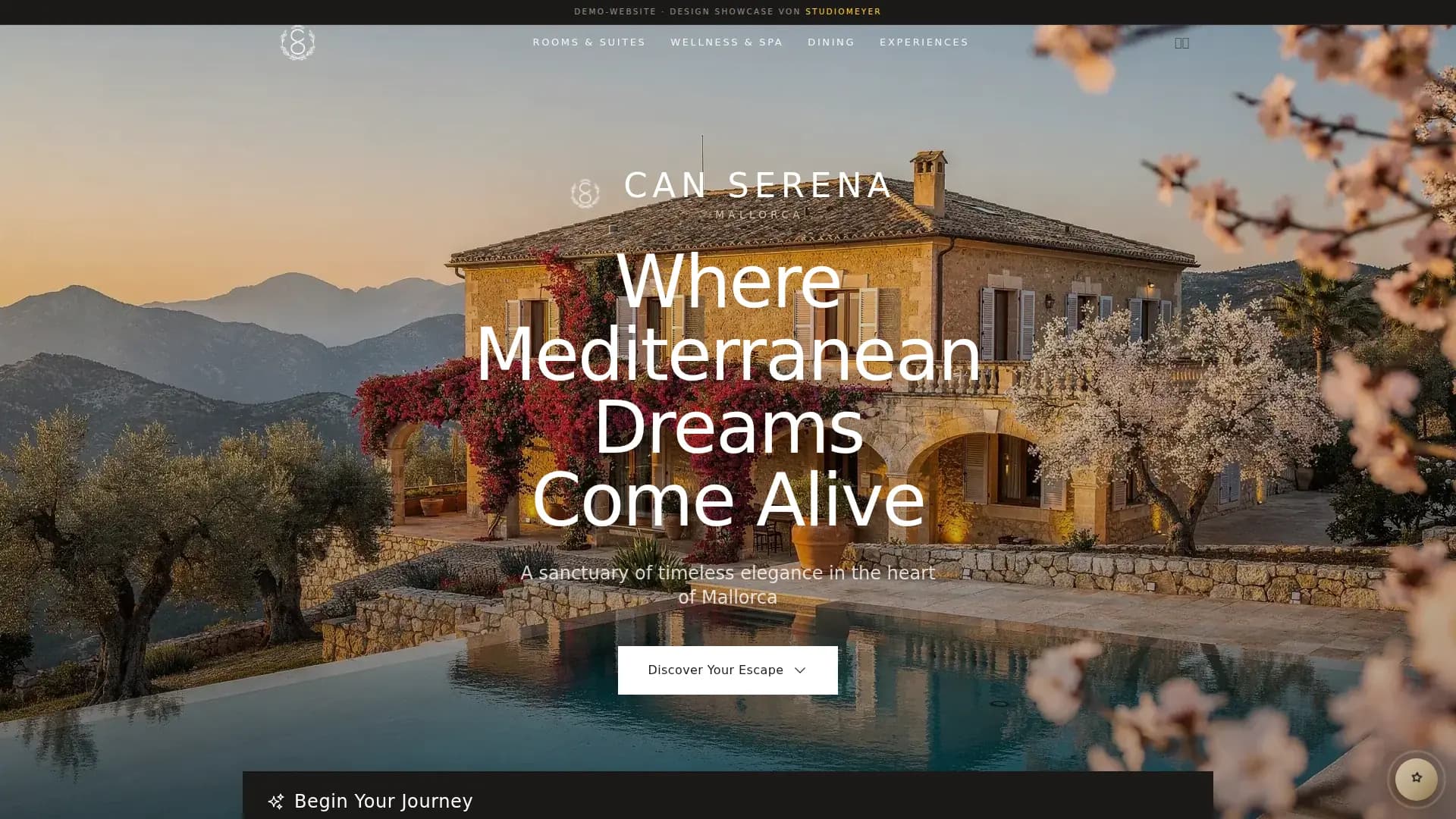
More on the package
What is included, what gets added, how it looks
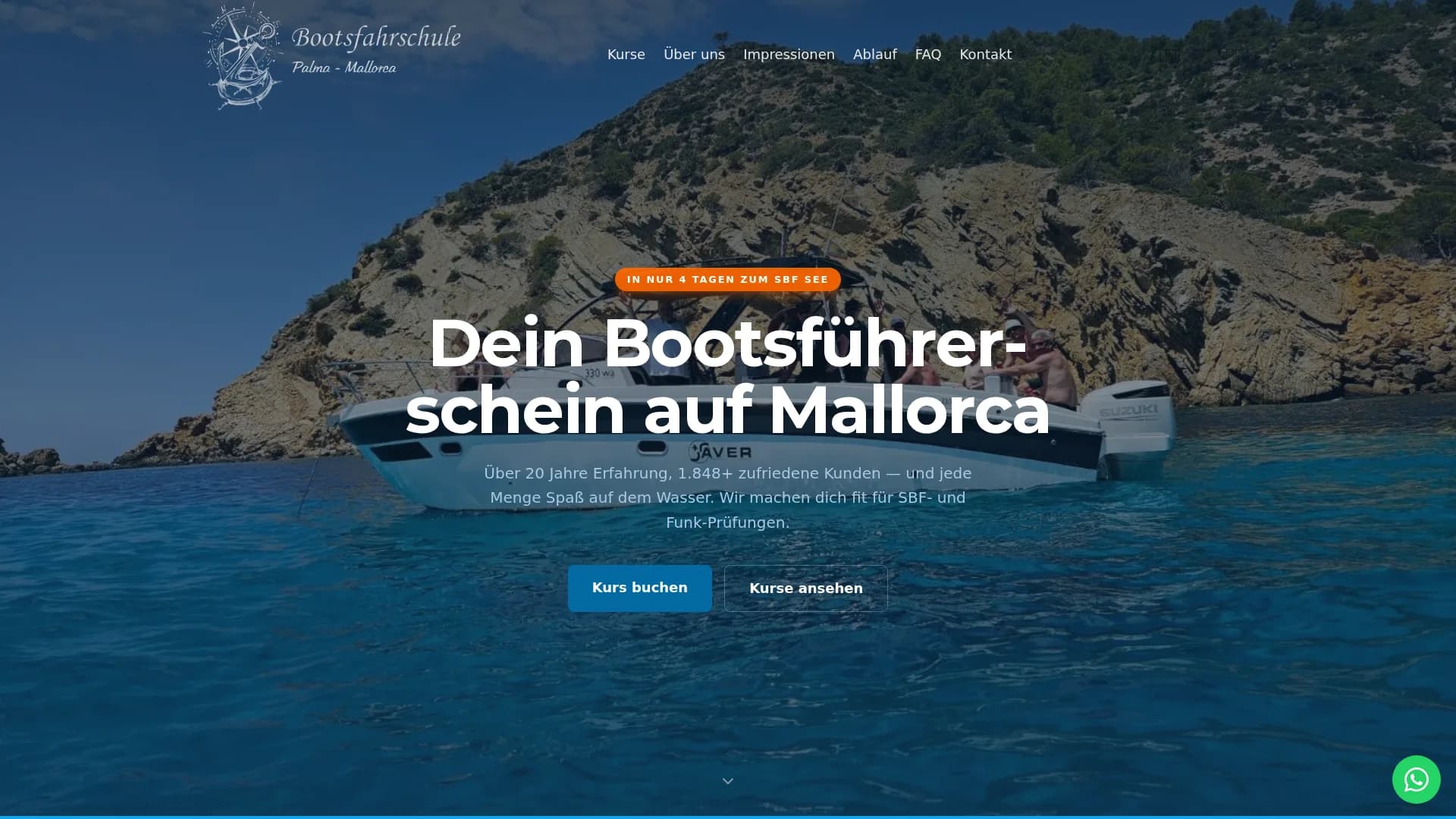
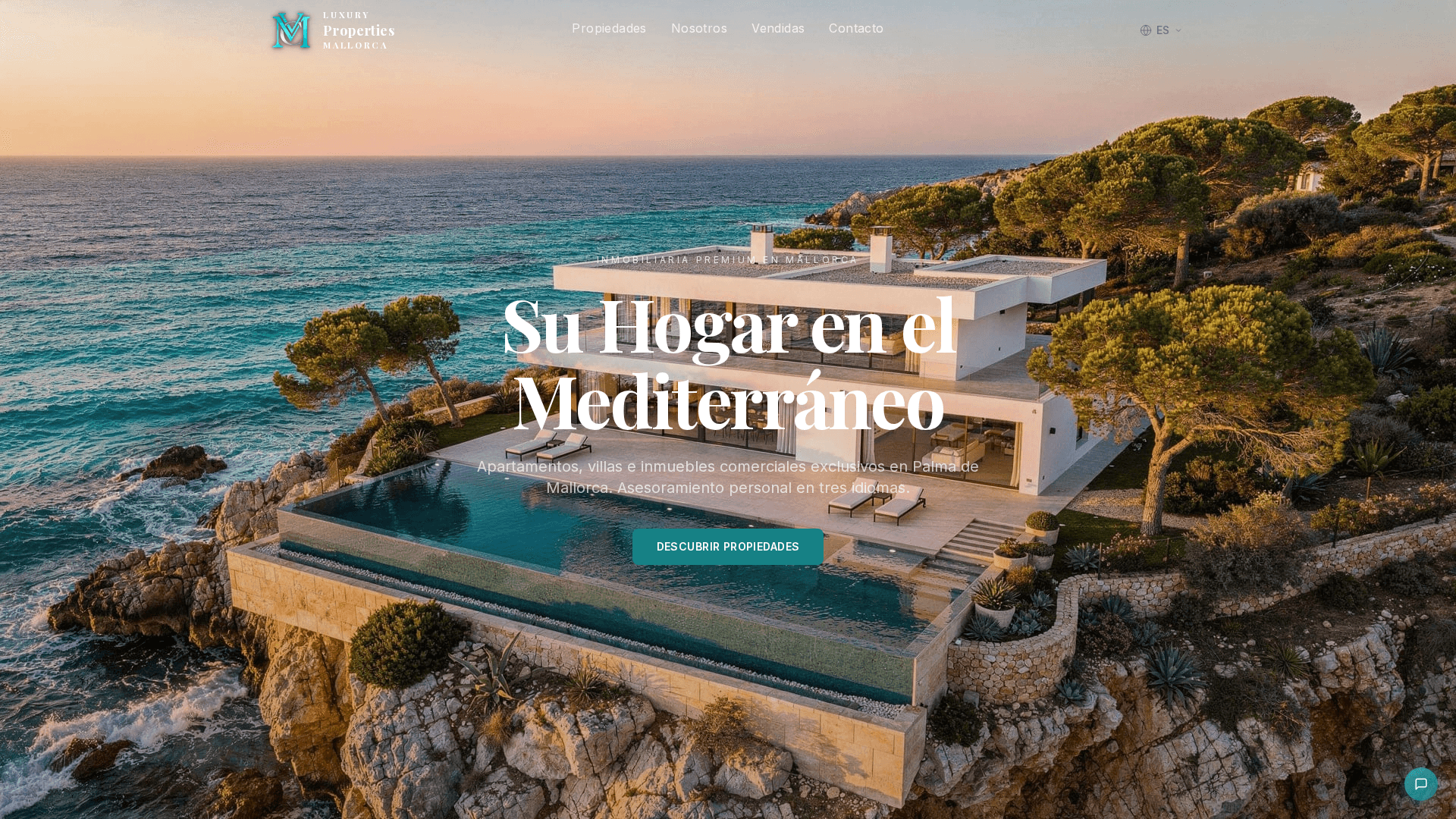
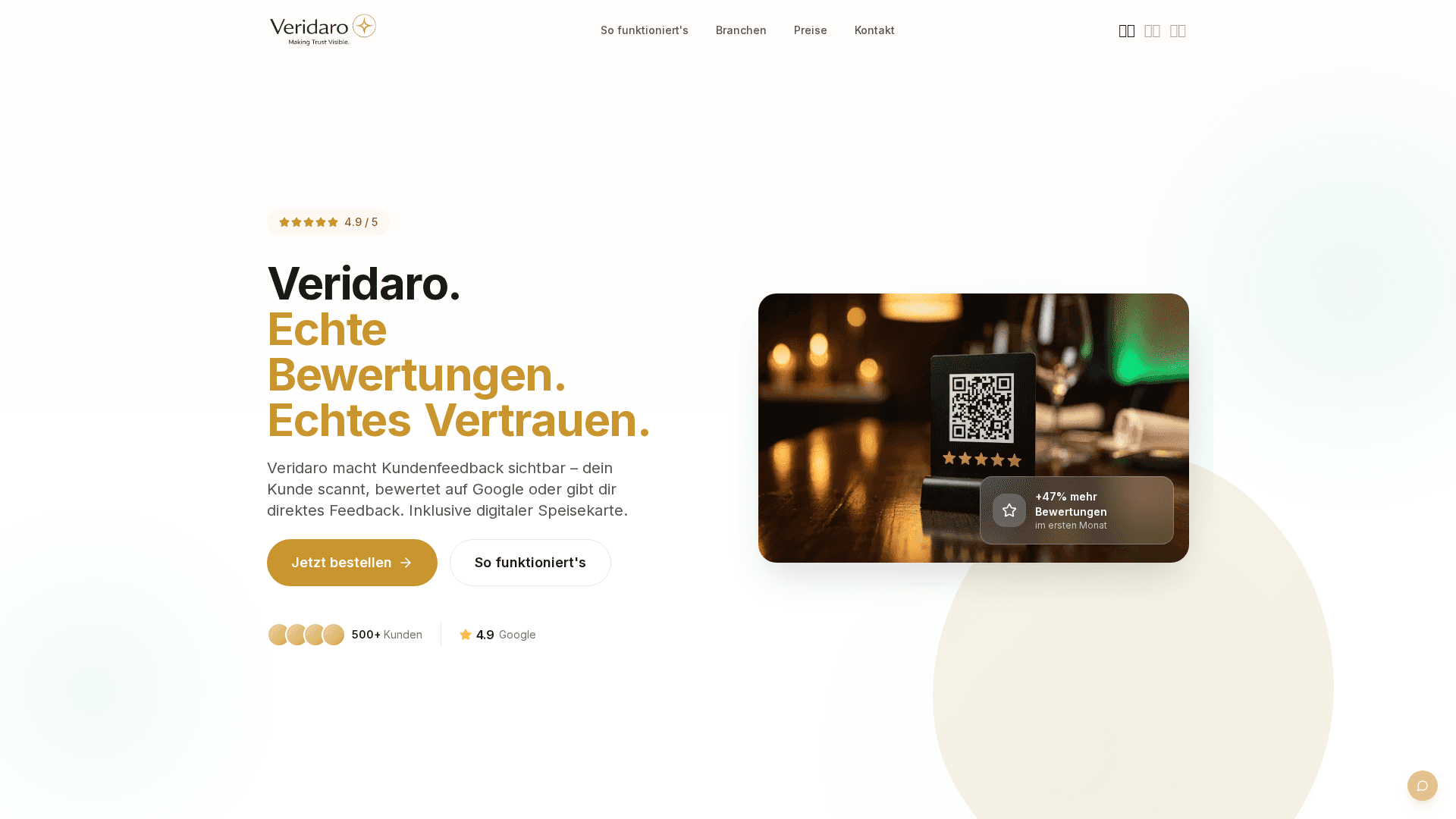
References
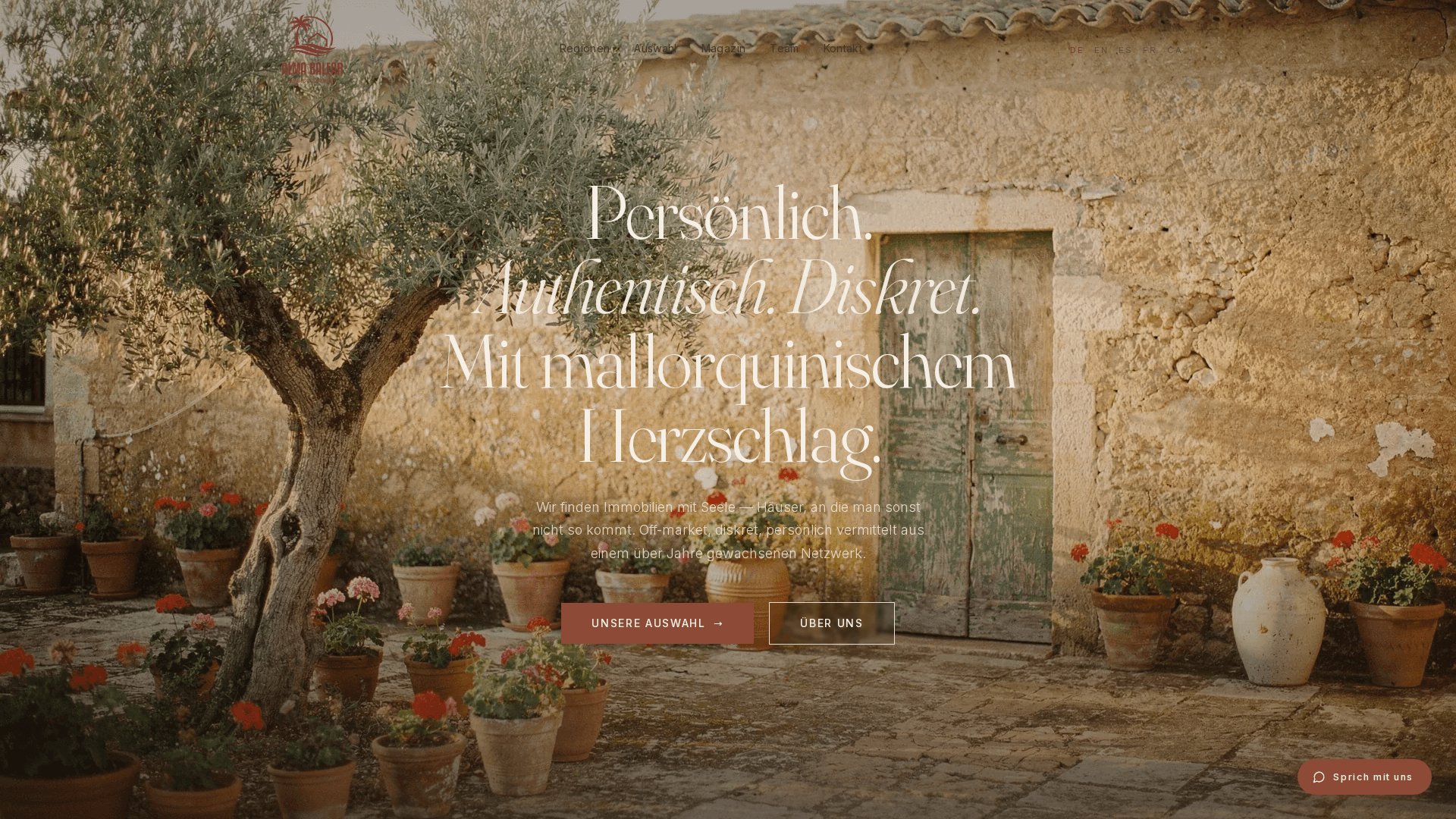
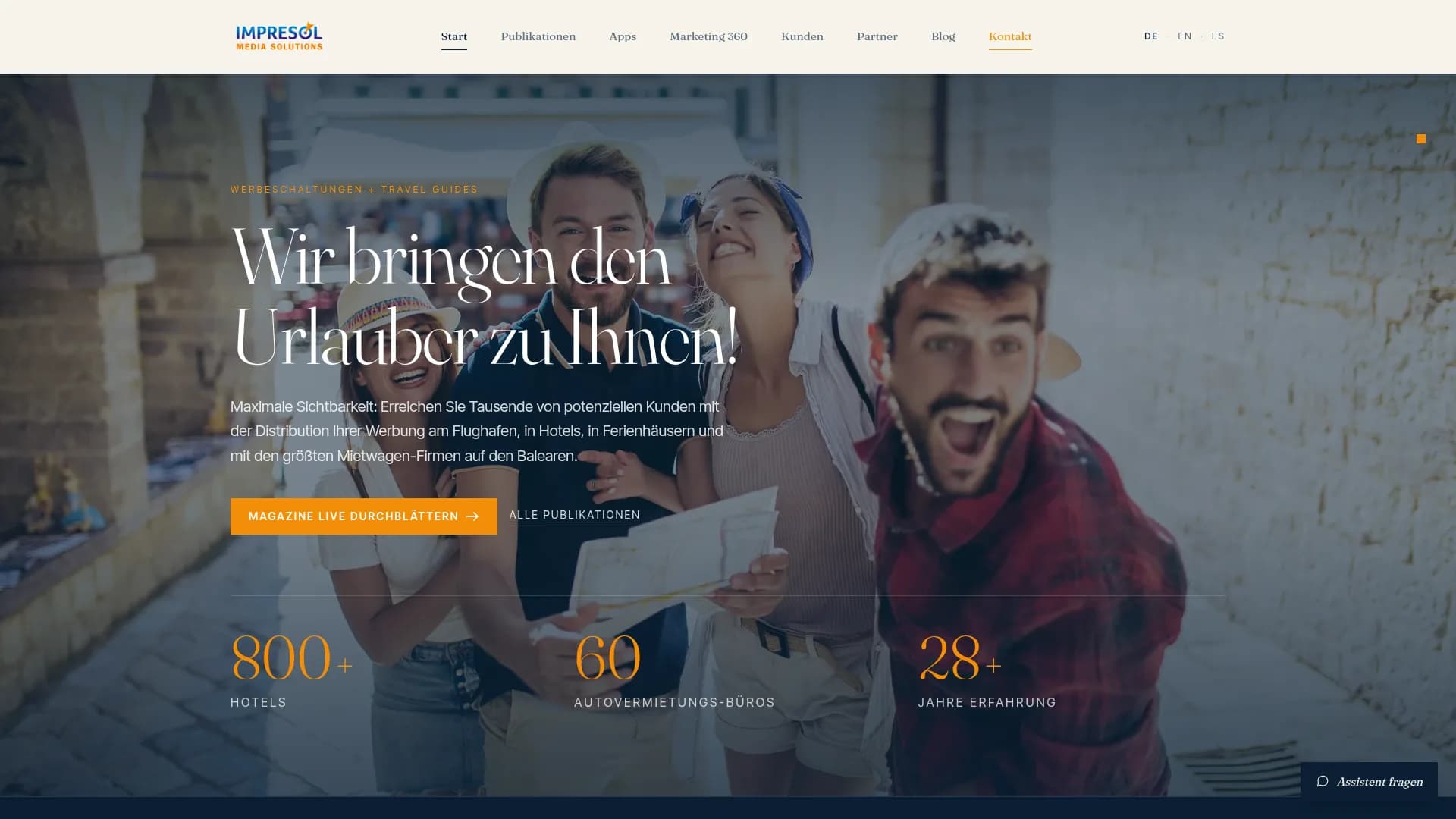
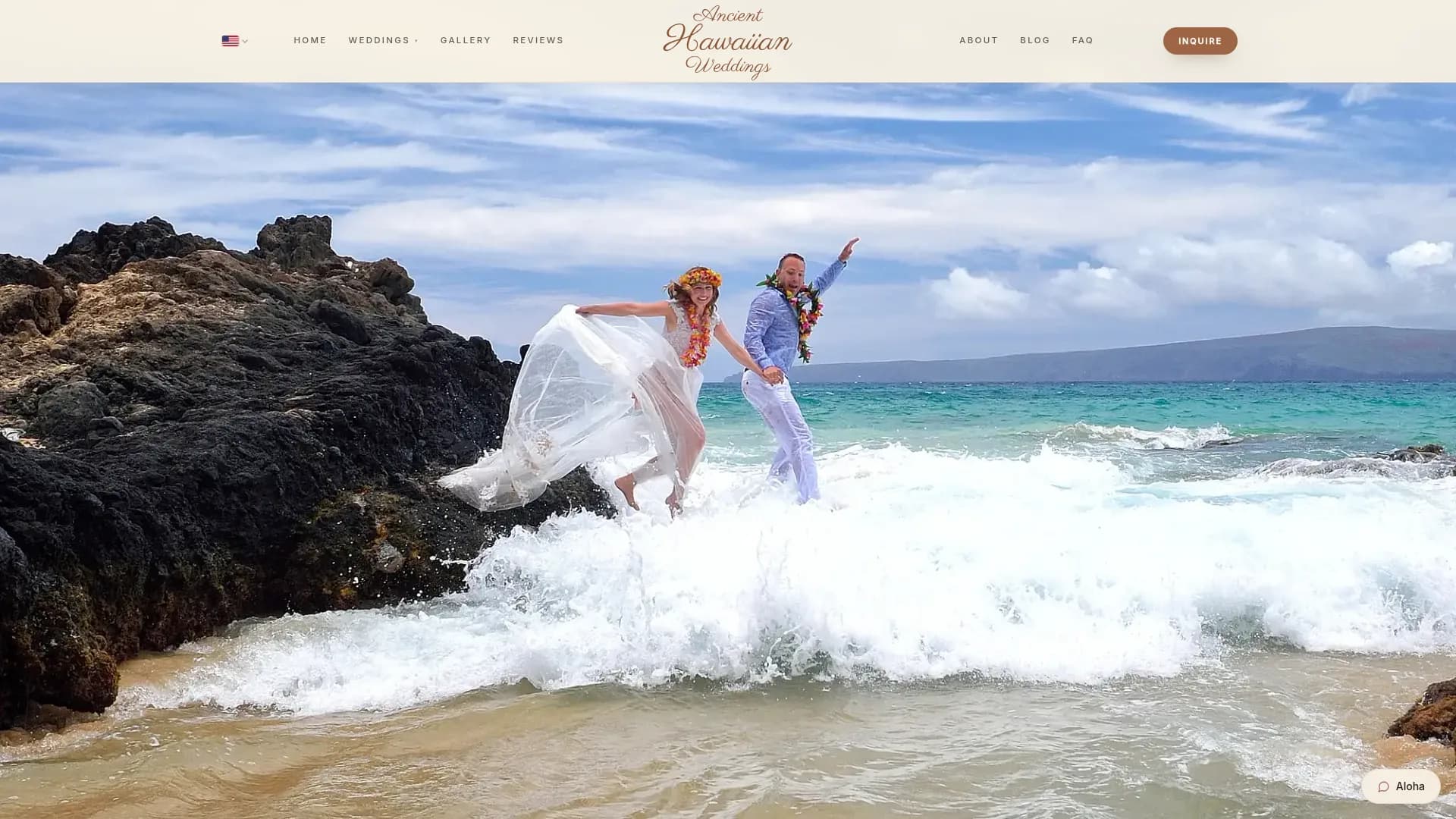
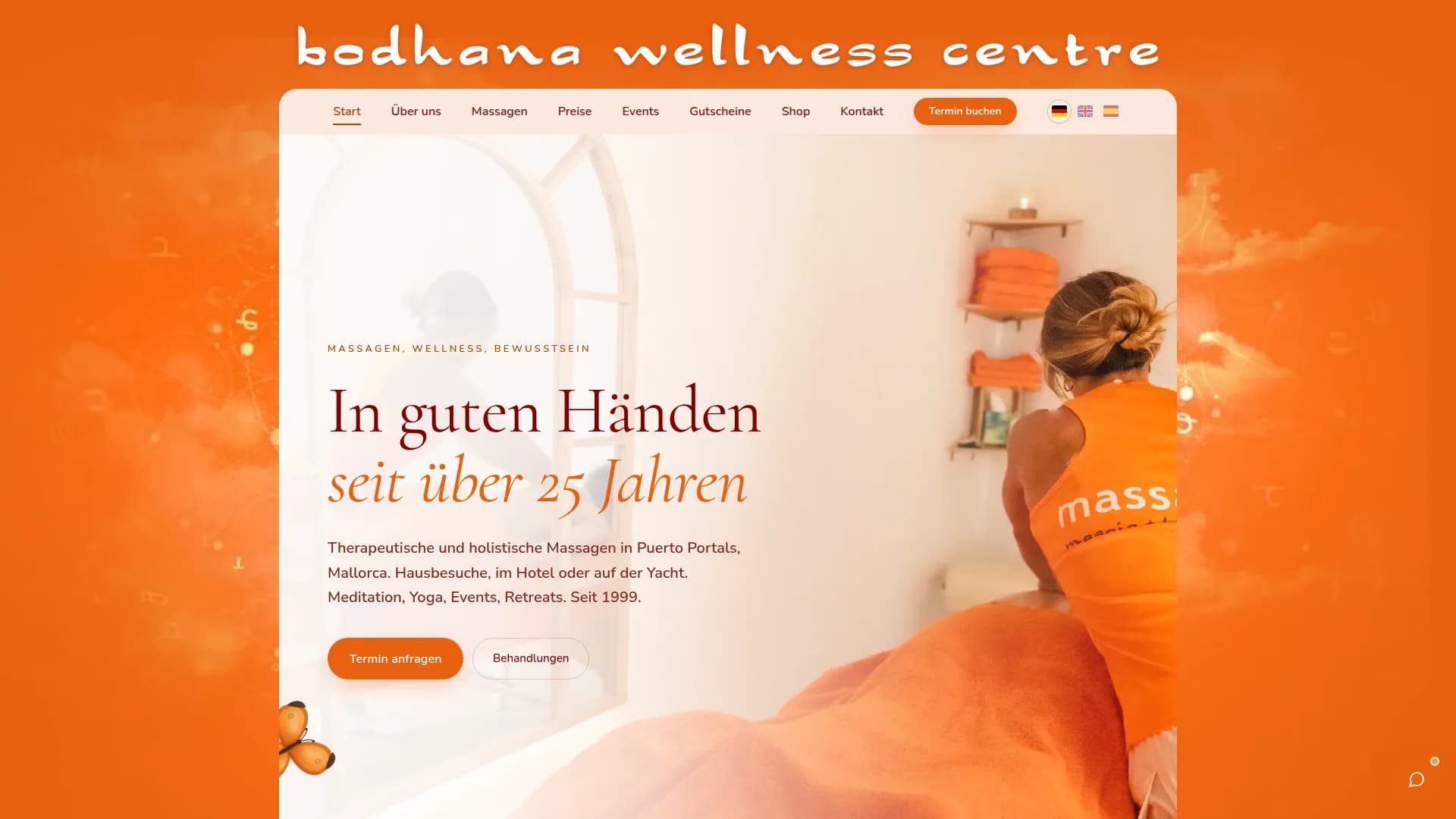
Real clients, real projects.

FAQ
Frequently asked questions
What does a professional website at StudioMeyer cost?
Foundation costs 2,500 € and Growth 3,500 €, both at a fixed price. Individual projects start at 6,500 € and get a binding fixed price after the briefing. You pay once or in twelve monthly instalments at no extra cost; once paid in full, the website is yours, with code, design and content. The first twelve months of StudioMeyer Care are included, after that Care costs 149 € a month and is cancellable monthly. We agree the scope in the first call and put it in writing in the quote; there is no fixed upper limit on the number of pages. All prices are final. No VAT is added.
What sets you apart from Wix, Squarespace or a WordPress agency?
We don't build on a ready-made website system. The website is developed individually and, at the same time, structured so search engines and AI systems can work with it. On top of that comes its own project context and the option to connect the website to your own AI in a controlled way. So you don't just get a different interface, you get a different technical foundation.
How long does building a website take?
Foundation takes 1 to 2 weeks, Growth 2 to 3 weeks, Individual from about 4 weeks. If you already have copy and images, it's faster. If we write content or run a photo session, add a week. After the first call we give you an honest estimate.
Do you also relaunch an existing website?
Yes. We carry over existing content, plan redirects for old URLs and make sure you don't lose visibility you already have. Every existing address gets a redirect to its new target, so neither Google nor your visitors run into a dead end. Pricing follows the same packages as a new website.
What about updates and maintenance?
That's what StudioMeyer Care is for. It covers hosting, SSL, backups, monitoring, security, technical updates, bug fixes, smaller changes, health checks and a person you can call. You don't have to deal with any of it yourself. The first twelve months are part of the fixed price, after that Care costs 149 € a month and is cancellable monthly.
Can I edit the site myself later?
Yes, and this is exactly where our approach differs from a classic CMS. You don't have to click through a backend. The website can be set up so you prepare changes in a conversation with your own AI. We can of course still make changes for you.
What does “manageable with my own AI” mean?
Your website is built so an AI assistant can access functions set up for that purpose, in a controlled way. You can then describe a change instead of working out which menu or file it has to be made in. What the AI is allowed to do is limited technically. And you are not tied to one particular provider.
Can the AI simply change my live website?
That isn't our goal. We build the process so changes can be prepared and reviewed in a controlled way. The AI should take work off your hands, not publish changes unchecked.
Is the website really AI-Ready, or just marketing?
Really. Every website gets what AI assistants like ChatGPT read: clean, well-structured code, precise details about your business in a form machines understand, a short plain-text overview of the site, a business card for AI agents and access for the AI providers' crawlers. That is exactly how our own site became a source AI assistants quote. How we measure it is laid out on our AI visibility page.
What happens if I cancel, and who owns the website?
Once paid in full, the website is yours with code, design and content, and it is never switched off. You are not tied to a site builder or a proprietary theme. After the first twelve months, StudioMeyer Care costs 149 € a month. Cancel Care and you get the source code as a Git repository and can host the site with any provider.
Can I add more AI features later?
Yes. CRM, calendar, booking systems, internal data, your own MCP tools, automations or agents can be added later. We plan the technical foundation for that into the build.
Industries
Web design for your industry on Mallorca.
Hotel, restaurant, real estate, medical practice, architecture or yacht brokerage: every industry has its own data, content and workflows. So we don't just build a different design, we build the right technical structure behind it.
Ready for a next-generation website?
If you're building now, you shouldn't build yesterday's website. We develop a website that works fast and professionally today and is ready for how people and AI systems will use the web tomorrow.
Book your free call nowFurther reading
How we think about this
What Is Actually Inside Our Client Projects
A website is rarely just a website anymore. Behind most of them sits a tool that does the actual work. A walk through what we have built.
AI Can Build Your Website. Done Is Still a Claim.
AI builds websites well and can even put them online. But done is a statement about intent, not about outcome. Four patterns behind the faults nobody sees.
Packages Plus À La Carte: The Hardest Way To Show Prices
For a wedding planner on Maui we put ceremony packages and a freely combinable catalog side by side. Why that was the toughest structural decision.