The DIHK Digitalisation Survey 2026 surveyed 4,686 businesses in November 2025. On average, they rated their digitalisation at 2.8 on the German school grading scale. Time constraints and complexity are among the main obstacles. This describes a general starting point, not a return guarantee for any individual project.
The gap between digital leaders and laggards is widening every year. But the starting position is not hopeless: with the right roadmap, any mid-sized company can systematically improve its digital maturity. This article shows how.
Where Does the Mittelstand Actually Stand?#
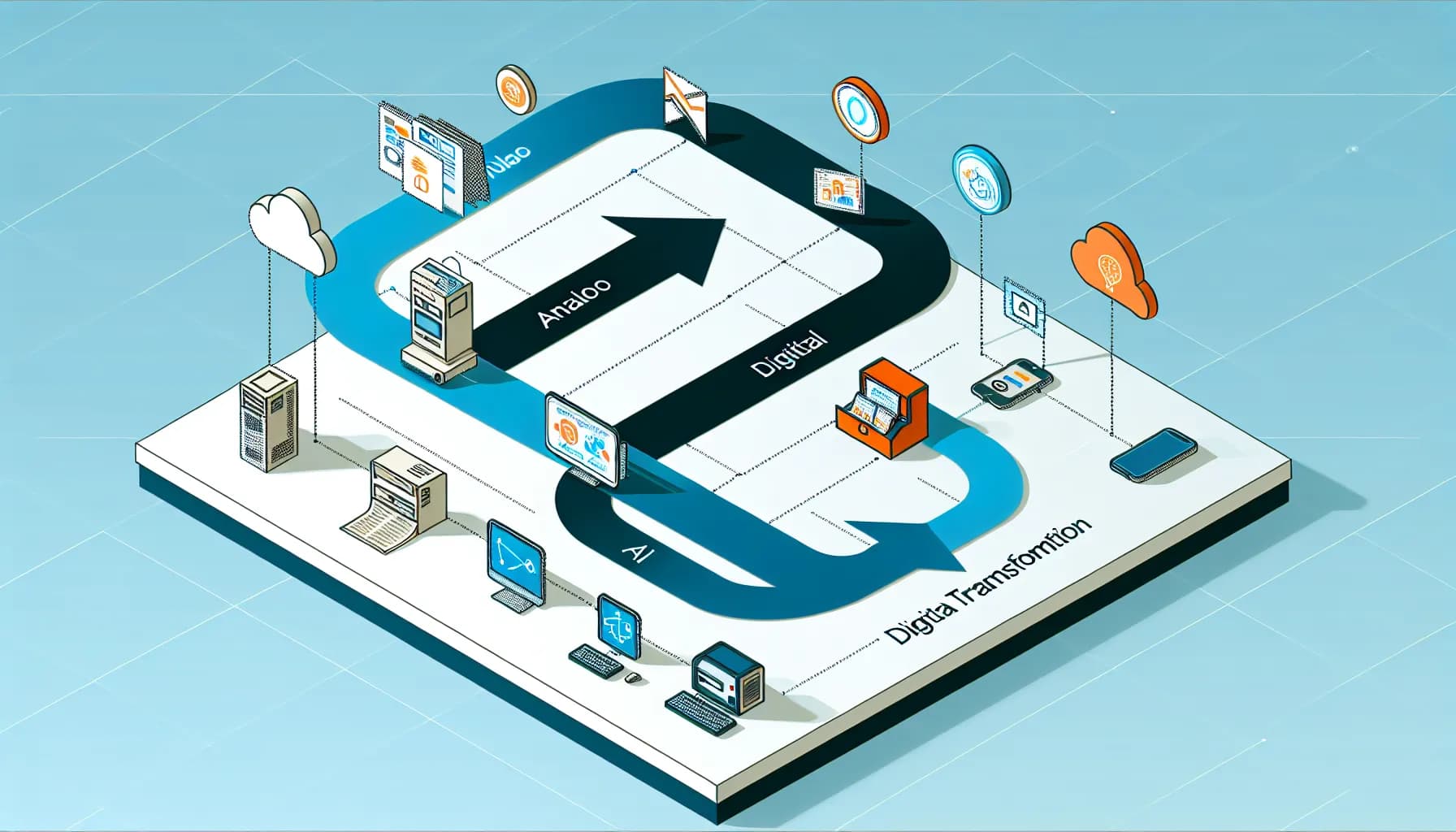
The four levels below are our orientation framework for an initial discussion, not a classification or percentage distribution from the DIHK study. Assess each area separately: a good website does not tell you whether quotes, invoices and customer records work together.
Level 1: Digitally Absent#
- No website or only an outdated business-card page
- Communication primarily via phone and fax
- No digital business processes
- Customer acquisition exclusively through referrals and local presence
Level 2: Digitally Basic#
- Simple website exists but is not mobile-optimized
- Email as the main communication channel
- Individual tools (accounting software, Excel spreadsheets)
- No integration between systems
Level 3: Digitally Active#
- Professional website with SEO fundamentals
- CRM system in use
- Partially automated processes
- Social media presence but without strategy
Level 4: Digital Leader#
- Data-driven decision making
- Integrated systems (CRM, ERP, marketing automation)
- AI-supported processes
- Digital business models
Priority: Choose the bottleneck that wastes the most time or loses enquiries. A CRM can matter more than a relaunch if the site works but follow-up does not.
Digital Maturity Assessment: Determining Your Position#
Before you invest, you need to know where you stand. Conduct an honest self-assessment across these five dimensions:
1. Online Presence#
- Do you have a modern, mobile-optimized website?
- Is it visible in search results for relevant terms?
- Can customers contact you, book appointments, or purchase online?
2. Business Processes#
- How many manual steps does your most frequent business process have?
- Are there media breaks (e.g., receiving orders by email, transferring to Excel, manually entering into accounting)?
- Can employees access company data remotely?
3. Customer Relationships#
- Do you know which customers have the highest lifetime value?
- Can you respond to customer inquiries within two hours?
- Do you use data to predict customer needs?
4. Data Strategy#
- Do you systematically collect and analyze business data?
- Do you make decisions based on data or gut feeling?
- Is your data in one system or distributed across many isolated solutions?
5. Employees and Culture#
- Are your employees trained in using digital tools?
- Is there a person or role responsible for digitalization?
- Are digital improvement suggestions actively solicited and implemented?
Quick Wins: Immediately Actionable Measures#
Not every improvement needs a major project. Choose among these three starting points based on benefit, effort and fit with existing workflows. The time to results depends on implementation and adoption.
Quick Win 1: Professional Website#
A professional website is the most important digital touchpoint. It works 24/7, reaches every potential customer, and is the foundation for all further measures. What a project like this costs depends on its scope; our packages are on the web design pricing page.
Minimum requirements in 2026:
- Mobile-first design (60%+ of traffic comes from smartphones)
- Core Web Vitals in the green zone (LCP < 2.5s, INP < 200ms, CLS < 0.1)
- SSL encryption and GDPR compliance
- Contact options on every page
- Basic SEO optimization (title, description, schema markup)
Quick Win 2: Implement a CRM System (Budget: 50-150 euros/month)#
A CRM system ends the chaos of sticky notes, Excel spreadsheets, and email folders. Recommendations for mid-sized companies:
- HubSpot: Check current free features and contact limits for your use case.
- Pipedrive: Check the plan, per-user costs and required sales features with the provider.
- Brevo (formerly Sendinblue): Combination of CRM and email marketing
Check: Are new enquiries captured, assigned and followed up reliably? Test the full process before retiring old lists.
Quick Win 3: Basic Automation (Budget: 20-100 euros/month)#
Automate recurring tasks that cost time every day:
- Appointment booking: Calendly or Cal.com instead of back-and-forth emails
- Invoicing: Automated tools instead of manual PDF creation
- Social media: Buffer or Hootsuite for scheduled posts
- Email responses: Auto-responders for frequent inquiries
Calculation example: If you save 30 minutes daily through automation, that is 10 hours per month. At an internal hourly rate of 60 euros, that equals 600 euros in monthly savings.
12-Month Roadmap: From Basic to Active#
For companies at Level 1-2, here is a realistic roadmap:
Quarter 1: Digital Foundations (Months 1-3)#
- Month 1: Start website relaunch or optimization
- Month 2: Implement CRM system, import existing contacts
- Month 3: Optimize Google Business Profile, first SEO measures
Budget: 8,000-20,000 euros (one-time) + 200-400 euros/month (ongoing)
Quarter 2: Digitize Processes (Months 4-6)#
- Month 4: Analyze and digitize the most important business process (e.g., quote-to-order)
- Month 5: Introduce cloud storage and digital collaboration (Microsoft 365 or Google Workspace)
- Month 6: Digitize accounting (compliance-ready)
Budget: 3,000-8,000 euros (setup) + 100-300 euros/month
Quarter 3: Marketing Automation (Months 7-9)#
- Month 7: Set up email marketing (newsletter, automated sequences)
- Month 8: Start content strategy (blog, LinkedIn)
- Month 9: First advertising campaign (Google Ads or LinkedIn Ads)
Budget: 2,000-5,000 euros (setup) + 500-2,000 euros/month (including ad spend)
Quarter 4: Optimization and Scaling (Months 10-12)#
- Month 10: Analyze results, evaluate KPIs
- Month 11: Scale successful measures, discontinue ineffective ones
- Month 12: Plan strategy for year 2, evaluate AI integration
Budget: 1,000-3,000 euros (analysis and planning)
Budget planning: The quarterly amounts are illustrative planning assumptions, not market research or a StudioMeyer quote. Add only the activities you actually commission and their recurring costs. Agree the binding scope and price before starting.
Check funding before committing#
Eligibility depends on your business location, project and current programme rules. For businesses in Germany, Mittelstand-Digital and the funding database provide a starting point. A business on Mallorca needs to check the programmes applicable in Spain or the Balearic Islands.
go-digital has ended: No new applications can be submitted since 31 December 2024. Older summaries mentioning 50 percent or 16,500 euros are not a current offer. The official programme page explains its status.
Before commissioning work, check eligible activities, required evidence and when the project may start. An application is not an award.
The 5 Most Common Digitalization Mistakes#
From our experience with dozens of mid-sized companies, digitalization projects usually fail for the same reasons:
1. Thinking Too Big, Starting Too Small#
Many companies want everything at once: new ERP, new CRM, new website, AI integration. This overwhelms budgets, employees, and organizations. Better: start small, achieve quick wins, then scale.
2. Putting Technology Before Strategy#
"We need AI" is not a strategy. First define the business problem, then choose the right technology. Sometimes a simple Excel automation is better than an AI solution.
3. Not Bringing Employees Along#
Plan training and rollout as separate activities. The effort depends on the team, process and tool.
4. Not Defining Clear KPIs#
"We want to become more digital" is not a measurable goal. Define concrete metrics: response time to customer inquiries, website conversion rate, time saved per process.
5. Isolated Solutions Instead of Integration#
Ten different tools that do not communicate with each other create more problems than they solve. When selecting tools, pay attention to API interfaces and integration capabilities.
Conclusion: Digitalization as Competitive Advantage#
The DIHK survey describes obstacles and businesses’ own assessment of their progress. For your investment, what matters is the specific workflow you improve and how you check its benefit afterwards.
The good news: entry has never been easier or cheaper than today. Cloud-based tools, funding programs, and specialized service providers make digitalization accessible even for small businesses.
The three most important steps for your start:
- Honest assessment: Where do you stand on the digitalization scale?
- Identify quick wins: Which measure delivers the fastest return?
- Apply for funding: Use available programs before you start
Digitalization is not a project with an end date but an ongoing process. But every process begins with the first step. And the best time for that step is now.
