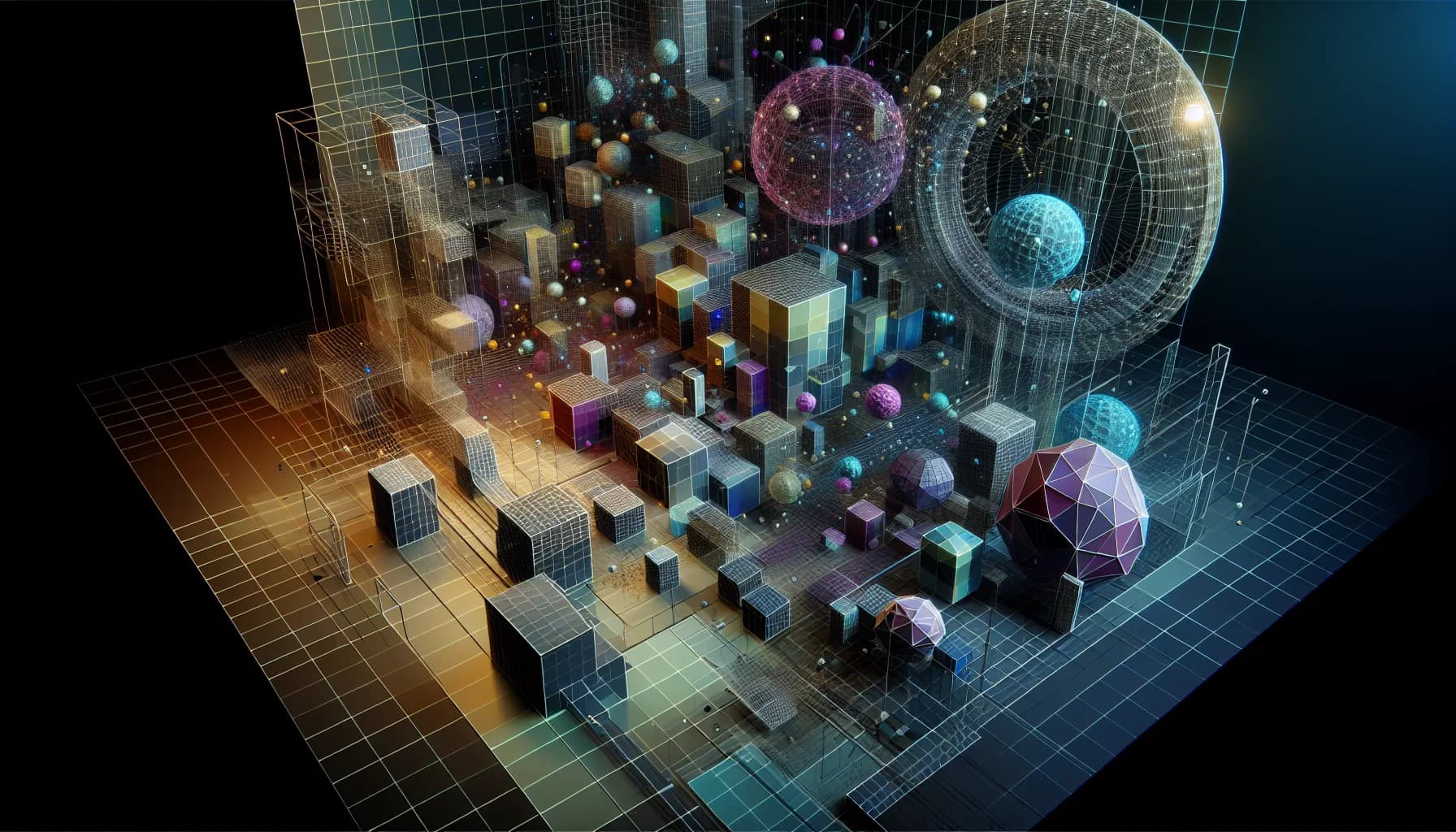
A product configurator where customers can rotate, color, and inspect their desired product from every angle in real time. An architecture website where visitors virtually walk through a building before the first brick is laid. A portfolio whose projects float as three-dimensional cards in space. 3D on the web has long stopped being a gimmick -- it is a measurable competitive advantage.
Websites with interactive 3D elements record an average of 40% more engagement and 27% longer session duration compared to purely two-dimensional counterparts. The technology is mature, browser support is universal, and the barrier to entry -- thanks to tools like Spline and React Three Fiber -- has never been lower.
Three.js: The Foundation for 3D on the Web#
Three.js is the JavaScript library that makes WebGL accessible. WebGL itself is a low-level API -- rendering a simple cube requires hundreds of lines of code for shaders, buffers, and matrices. Three.js abstracts that into a few lines.
What Three.js Offers#
- Scene, Camera, Renderer: The basic setup for any 3D scene
- Geometries: Cubes, spheres, cylinders, planes -- or imported 3D models (glTF, OBJ, FBX)
- Materials: From solid-color surfaces to physically accurate PBR materials
- Lighting: Point, directional, and ambient lights
- Animations: Keyframe animations, morph targets, skeletal animations
- Post-processing: Bloom, depth of field, SSAO, vignette
- Physics: Integration with Cannon.js or Rapier for realistic physics simulations
When Three.js Is the Right Choice#
- Full control over every aspect of the 3D scene
- Complex interactions and animations
- Performance-critical applications (product configurators, games)
- Integration into existing JavaScript/TypeScript projects
React Three Fiber: 3D for React Developers#
React Three Fiber (R3F) brings Three.js into the React world. Instead of imperatively building scenes, you describe them declaratively with JSX components.
Why R3F for Modern Web Projects#
- Component-based: Every 3D element is a React component with props and state
- Hooks: useFrame (render loop), useThree (access to scene/camera/renderer), useLoader (asset loading)
- Ecosystem: drei (utility components), react-spring (physics-based animations), zustand (state management)
- Integration: Seamless embedding in Next.js, Vite, or any other React framework
- Suspense support: Load 3D assets with React Suspense and fallback UI
A Typical Setup#
The basic structure of an R3F scene consists of Canvas, scene elements, lighting, and camera controls. What requires 50-100 lines in pure Three.js can be expressed in 15-20 lines in R3F -- and is more maintainable.
Drei: The Utility Library#
The drei library (pronounced like the German word for "three") supplements R3F with pre-built components:
- OrbitControls: Mouse/touch-driven camera rotation
- Environment: HDR environment lighting with a single prop
- Text3D: 3D typography
- Html: HTML overlays that move with the 3D scene
- Float: Gentle floating of objects
- Sparkles: Particle effects
Spline: 3D Design Without Code#
Spline is the Figma for 3D. Designers can visually create scenes, animate them, and embed them directly in websites -- without a single line of code.
Who Spline Is For#
- Designers without coding experience: Visual editor, drag-and-drop, ready-made materials
- Rapid prototypes: From idea to embedded 3D scene in hours rather than days
- Simple interactions: Hover effects, click animations, scroll-driven rotations
- Marketing websites: Hero sections, product visualizations, interactive elements
Limitations#
- Performance: Spline exports are not as optimized as handwritten Three.js
- Complexity: For advanced interactions and logic, Spline hits limits
- Bundle size: The Spline runtime code adds to the bundle
- Customizability: Less control over rendering details than Three.js/R3F
Our Recommendation#
Spline for marketing websites and prototypes. Three.js/R3F for product configurators, complex interactions, and performance-critical applications.
Performance Optimization: The Master Discipline#
3D on the web is performance-intensive. An unoptimized 3D model can drop a website from 60fps to 15fps. Here are the most important optimization techniques.
Level of Detail (LOD)#
Not every object needs the highest detail level at all times. LOD automatically switches between different model versions based on distance from the camera:
- Close: Full model (50,000 polygons)
- Medium: Simplified model (10,000 polygons)
- Far: Heavily simplified (2,000 polygons) or sprite
Instancing#
When the same geometry appears multiple times in a scene (trees, particles, buildings), instancing creates only one copy on the GPU and renders it with different transforms. Thousands of identical objects cost barely more than one.
Compressed Textures#
- Basis Universal (.basis/.ktx2): GPU-compressed textures that are 4-8x smaller than PNG/JPEG
- Draco compression: For 3D models -- reduces file size by 70-95%
- glTF optimization: gltf-transform or gltfpack for optimal file size
Additional Techniques#
- Frustum culling: Do not render objects outside the viewport (Three.js does this automatically)
- Shadow maps: Shadows only for important objects, low resolution for distant ones
- Render on demand: Do not render every frame, only when changes occur
- Offscreen canvas: Execute heavy rendering in a Web Worker
Progressive Enhancement: 3D on Desktop, 2D Fallback on Mobile#
The most important rule for 3D on the web: Nobody should miss content because their device cannot handle 3D. Progressive enhancement is mandatory.
Implementation Strategy#
- Base layer: All content is accessible without 3D (text, images, 2D illustrations)
- Enhancement layer: On capable devices, the 3D scene is loaded
- Feature detection: Check WebGL support, estimate GPU performance
- Graceful degradation: If 3D is not possible, the 2D version is displayed
Mobile Strategy#
- Simplified scenes: Fewer polygons, simpler materials, no post-processing
- Touch optimization: Different interaction patterns than desktop (pinch instead of scroll, tap instead of hover)
- Battery awareness: 3D rendering drains battery -- offer optional reduction or disabling
- Data volume: 3D assets can be several megabytes -- lazy loading is mandatory
Use Cases by Complexity Level#
Level 1: Subtle 3D Elements (Entry)#
- 3D cards with perspective transform: Purely CSS-based, no WebGL needed. Cards tilt on hover creating a 3D impression.
- Floating elements: Objects gently floating in space (float animation with CSS or GSAP)
- Tilt effects: Mouse position influences an element's perspective
Effort: 2-4 hours | Performance impact: Minimal
Level 2: Embedded 3D Scenes (Intermediate)#
- Product viewer: Single 3D model that can be rotated and zoomed
- Animated 3D logos: Logo reveals with Three.js or Spline
- Interactive infographics: Data visualization in 3D
Effort: 1-3 days | Performance impact: Moderate
Level 3: Complete 3D Experiences (Advanced)#
- Product configurators: Change color, material, size in real time
- Architectural visualization: Walkable building models
- Storytelling experiences: Scroll-driven 3D worlds
Effort: 1-4 weeks | Performance impact: High
Level 4: Cutting Edge#
- Gaussian splatting: Photorealistic 3D scenes from photos -- the latest revolution in web 3D technology
- WebXR: Augmented and virtual reality directly in the browser
- Neural Radiance Fields (NeRF): AI-generated 3D scenes
Effort: Weeks to months | Performance impact: Very high
Gaussian Splatting for the Web#
Perhaps the most exciting development in the web 3D world: Gaussian splatting. Instead of manually creating 3D models, photorealistic scenes are reconstructed from a collection of photos or videos.
How It Works#
- Data capture: 50-200 photos of an object or space from different angles
- Training: A neural network computes a 3D representation as millions of Gaussian ellipsoids
- Rendering: The scene is rendered in real time in the browser -- with photorealistic quality
Current Limitations#
- Large files (50-200MB per scene)
- High GPU requirements for smooth rendering
- Not yet broad browser support for all features
- Editing individual objects in the scene is difficult
What It Is Already Good For#
- Virtual showrooms (real estate, museums, retail)
- Product visualization for unique or handcrafted objects
- Architectural documentation
- Tourism and hospitality (virtual tours)
Conclusion: 3D as a Tool, Not an End in Itself#
3D in web design is not a feature you add because it looks impressive. It is a tool deployed when it solves a concrete problem: making a product tangible, telling a story spatially, presenting complex data visually.
The technology is mature. Three.js and React Three Fiber make it possible to build 3D experiences that are performant, accessible, and usable on all devices. Spline democratizes access for designers. And Gaussian splatting opens entirely new possibilities for photorealistic representation.
The key lies in gradation: subtle 3D elements for everyone, complex experiences for projects where they deliver real value.
At StudioMeyer, we develop 3D web experiences at all complexity levels -- from CSS-based 3D cards to complete product configurators. We combine technical expertise with design sensibility to create 3D elements that not only impress but convert.
